


TL;DR
The best website builder for most small businesses is WordPress.org, because you own everything and can grow without hitting a wall. Here is the short version of what I picked and why.
- Best overall: WordPress.org gives you full ownership and the widest room to grow.
- Best for a fast WordPress site without code: SeedProd builds a custom theme and lands pages quickly.
- Best for total beginners: Wix handles hosting and setup so you can point and click.
- Best for design-first sites: Squarespace ships polished templates out of the box.
- Best for high-volume stores: Shopify and BigCommerce handle inventory and payments at scale.
You sat down to pick a website builder and an hour later you had twenty tabs open and no decision. Every list crowns a different winner, and half of them just rephrase the same marketing copy.
I have built sites for my own blogs and for client work across the last 15 years, on most of the platforms below. So I am not guessing at which best website builders actually hold up once you are past the demo.
In this guide I will show you which builder I would pick for a small business, who each one is really for, and which to skip. Find your situation and jump in.
How I Chose These Website Builders
I did not rank these by popularity. I built or tested sites on most of them and weighed each against the things a small business owner actually lives with after launch.
Here is what I weighed:
- Ease of use: Can a beginner build something decent without code? I looked for drag-and-drop editing and a short learning curve.
- Features that matter: Templates, Google Analytics, email integration, and room for the marketing tools you will add later.
- Data ownership: Whether you actually own your content and can migrate out without a fight. This is where hosted platforms quietly lose points.
- Room to grow: Whether the platform handles a bigger site, an online store, or more traffic without forcing a rebuild.
- Value for money: What you pay against what you get, including whether a free domain, SSL certificate, and support are included.
One honest note before the table. Pricing on hosted builders shifts often, so I have used current starting prices where I could verify them and flagged where a platform only publishes a range.
Best Website Builders at a Glance
Here is a quick comparison before the full reviews. Use it to shortlist, then read the entry that fits your situation.
| Builder | Best for | Free plan | Starting price | Rating |
|---|---|---|---|---|
| WordPress.org | Full ownership and growth | Free software (hosting extra) | $0 + hosting | 4.8/5 |
| SeedProd | Fast WordPress site, no code | Yes (limited) | $79/yr | 4.9/5 |
| Wix | Total beginners | Yes (Wix branding) | $17/mo | 4.5/5 |
| Squarespace | Design-first sites | No (free trial) | $16/mo | 4.4/5 |
| Shopify | Growing online stores | No (free trial) | $29/mo | 4.5/5 |
| BigCommerce | High-volume ecommerce | No (free trial) | $29/mo | 4.3/5 |
| HubSpot | CRM-driven small sites | Yes (basic CRM) | $20/mo | 4.4/5 |
| WordPress.com | Managed blogging | Yes | $15/mo | 4.3/5 |
| Weebly | Simple sites and small stores | Yes | $10/mo | 4.2/5 |
| GoDaddy | Quick one-click setup | Yes | $9.99/mo | 4.0/5 |
| Web.com | Budget small business sites | No | Starts around $2/mo | 3.9/5 |
| Gator by HostGator | All-in-one hosted builder | No | Starts around $4/mo | 3.9/5 |
| Domain.com | Simple low-cost sites | No | Starts around $2/mo | 3.8/5 |
| DreamHost | WordPress-based hosted builder | No | Starts around $3/mo | 4.0/5 |
Ratings reflect a blend of public review scores (G2, Capterra, WordPress.org) and my own testing. Now the full picks.
Best Website Builders for Small Businesses
Now that you know how I weighed these, here are the site builders worth your time, with who each one really suits.
- WordPress.org: Best for Full Ownership and Growth
- Web.com: Best for a Budget Small Business Site
- HubSpot Website Builder: Best for CRM-Driven Sites
- Wix: Best for Total Beginners
- Gator Builder by HostGator: Best All-in-One Hosted Builder
- Domain.com: Best for Simple Low-Cost Sites
- BigCommerce: Best for High-Volume Ecommerce
- Shopify: Best for Growing Online Stores
- WordPress.com: Best for Managed Blogging
- Weebly: Best for Simple Sites and Small Stores
- Squarespace: Best for Design-First Sites
- DreamHost: Best WordPress-Based Hosted Builder
- GoDaddy: Best for Quick One-Click Setup
- SeedProd: Best for Owning a Fast WordPress Site Without Code
- Are AI Website Builders Worth It Yet?
- What Is the Best Website Builder?
- Best Website Builders FAQs
WordPress.org: Best for Full Ownership and Growth
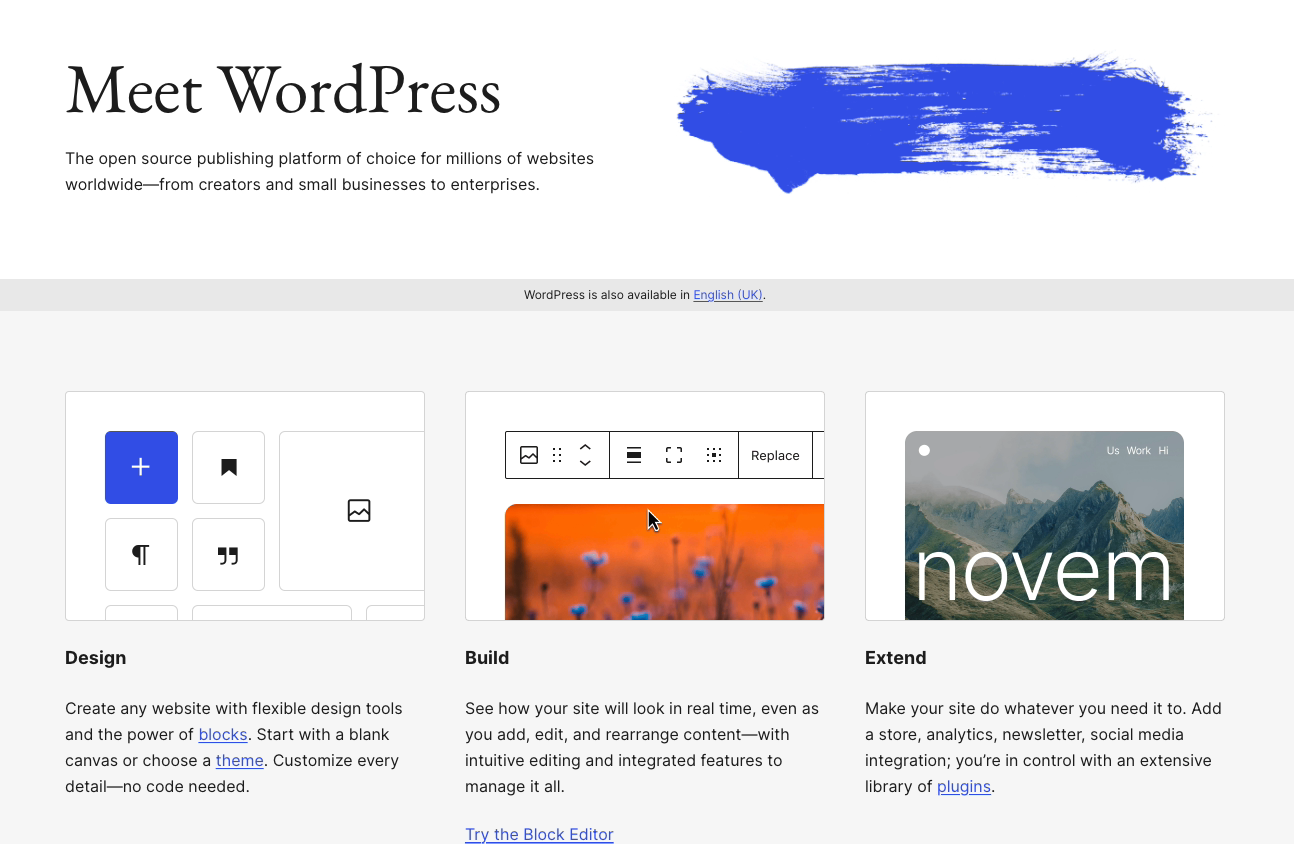
WordPress.org, or self-hosted WordPress, is the most popular website building platform and content management system in the world. It powers about 43% of all websites, according to W3Techs.
It is free and open source, and you own every part of your site. That ownership is the reason it tops my list.
Because Automattic runs both WooCommerce and WordPress, it is a natural fit for online stores too. The one catch is that you need WordPress hosting, and I usually point people to Bluehost to start.
WordPress.org Pros
You can run almost any kind of site on it:
- Ecommerce stores
- Membership websites
- Online forums and communities
- Personal blogs
- Landing pages
There are thousands of free and premium themes, plus drag-and-drop builders like SeedProd, Divi, and Beaver Builder. You can design pages and see changes live, rarely leaving the back end.
On top of that, thousands of free WordPress plugins let you add shopping carts, analytics, galleries, and contact forms. The built-in SEO options also help your site rank better.
WordPress.org Cons
You manage the site yourself, so there is a learning curve. You also handle your own backups and updates.
Plans and Pricing
WordPress.org is a free website builder, but you pay for hosting and a domain. I recommend Bluehost as an affordable all-rounder.
My Verdict: If you want to own your site outright and never hit a growth ceiling, this is the one. The trade-off is that you are the one keeping it running.
Web.com: Best for a Budget Small Business Site
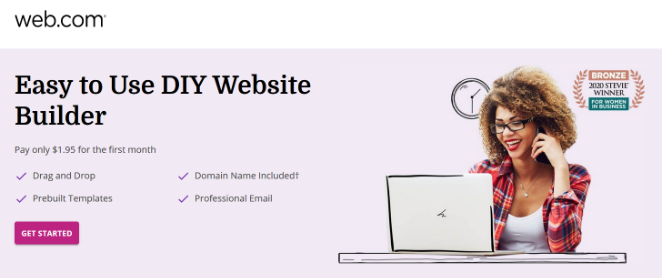
Web.com is one of the original site builders, and it still does one thing well: a simple business site at a low price.
Web.com Pros
The drag-and-drop editor is beginner-friendly. You can add photo galleries, videos, contact forms, testimonial sliders, and social buttons.
The templates are all mobile-friendly, and you customize images, fonts, and colors by pointing and clicking. Every plan includes a free domain, business email, security, backups, and analytics.
If you get stuck, Web.com offers unlimited chat and phone support.
Web.com Cons
It has fewer blogging features than WordPress.org. The store builder also caps you at 50 products, so a larger shop will outgrow it fast.
Plans and Pricing
Web.com markets entry plans starting around $2 per month on an annual term, scaling up for marketing and ecommerce features. Check the current rate before you commit, as introductory pricing changes.
My Verdict: A fine pick if you want a cheap, no-fuss brochure site. Look elsewhere if you plan to sell more than a handful of products or blog seriously.
HubSpot Website Builder: Best for CRM-Driven Sites
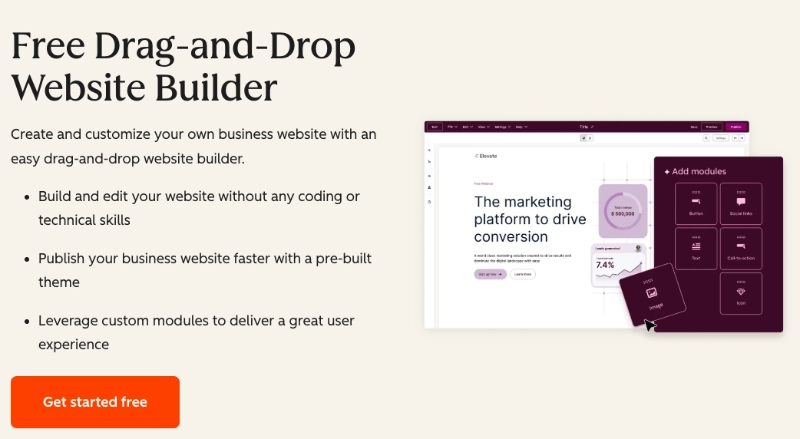
The HubSpot Website Builder is an all-in-one site builder built on HubSpot’s CRM and marketing automation tools.
You can build a site that adapts to each visitor based on data in your CRM, which can help with conversions and search visibility.
HubSpot Pros
It ships with pre-built themes and a drag-and-drop editor, so you can launch quickly. Adaptive testing lets you set up to five page variations and serves the best performer automatically.
You can personalize content by location, device, source, or language. It also bundles email marketing, live chat, and analytics.
HubSpot Cons
It suits landing pages and simple sites more than large stores. The automation features also carry a steeper learning curve for beginners.
Plans and Pricing
- Basic CRM tools: Free
- Content Hub Starter: starts at $20 per month
- Professional and higher: from $450 per month
My Verdict: Worth it if your site and your sales pipeline live in the same place. Overkill, and pricey, if you just need a few pages.
Wix: Best for Total Beginners
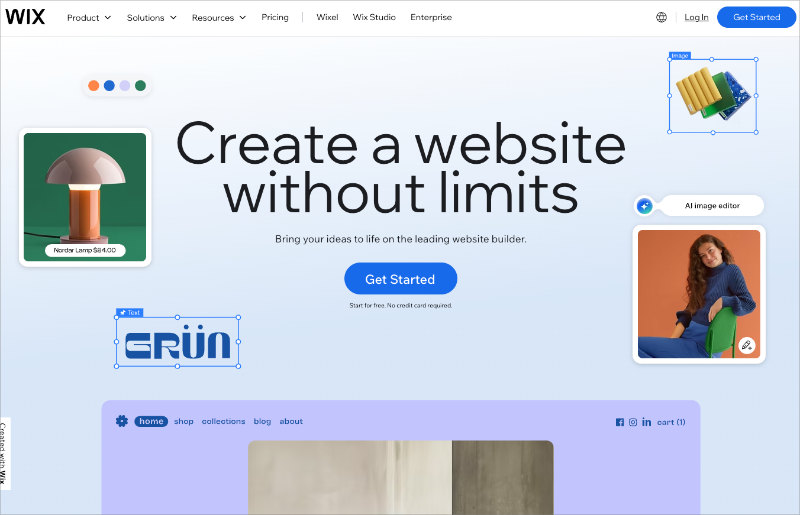
Wix is a cloud-based site builder with a beginner-friendly interface. If you have never built a site before, this is the gentlest place to start.
Wix Pros
It is fully hosted, so everything is handled for you and the learning curve is short. There is a wide range of website templates, each editable with drag-and-drop.
You can extend your site with free and paid apps, some from Wix and some from third parties. The free plan lets you test everything with no credit card before you commit to a domain name and SSL.
Wix Cons
The free and lowest plans show Wix ads on your site. Moving away from Wix later is also complicated, since you cannot export and migrate in one step.
Plans and Pricing
Wix premium plans start at $17 per month (Light) and run up to $159 per month (Business Elite) on an annual term. The free plan keeps Wix branding and a Wix subdomain.
My Verdict: The easiest on-ramp for a first-timer. Just go in knowing your site is locked to Wix, which matters the day you want to leave.
Gator Builder by HostGator: Best All-in-One Hosted Builder
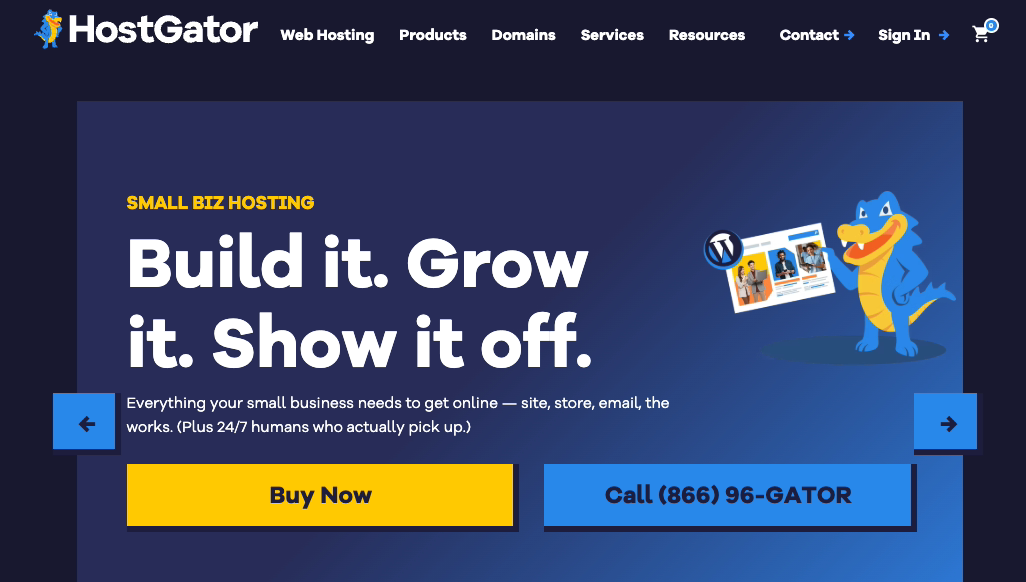
Gator Builder is HostGator’s all-in-one site builder. Hosting, builder, and domain come together, which keeps things simple for a small business.
Gator Builder Pros
Sites are fully hosted by HostGator, so backups and updates are off your plate. You get over 200 design templates with point-and-click customization.
You can drag and drop images, contact forms, videos, and columns. Paid plans include a free domain and an option to add a store, with no ads and no data selling.
Gator Builder Cons
There is no free trial, and you cannot bring in a developer to extend the design. What you see is what you get.
Plans and Pricing
Gator Builder plans start around $4 per month on an annual term, scaling up for store features. Confirm the current rate before signing up.
My Verdict: A solid choice if you want hosting and builder in one bill and never plan to hand the site to a developer. The lack of a trial is the only sticking point.
Domain.com: Best for Simple Low-Cost Sites
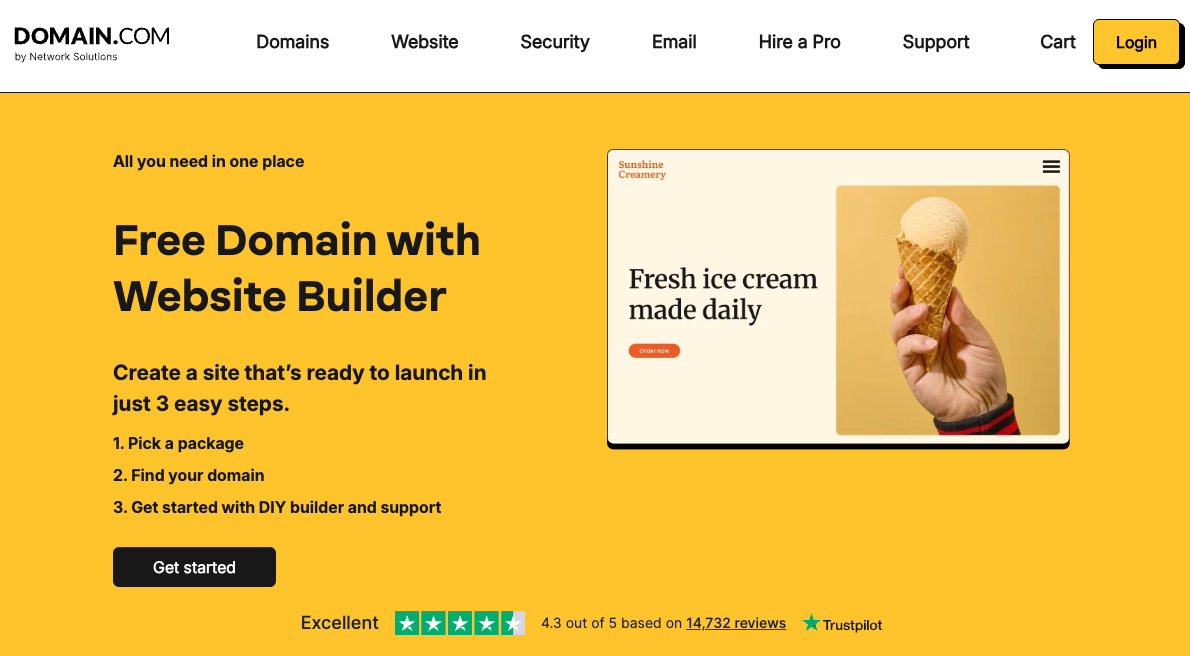
Domain.com is a straightforward builder for any type of website, from a blog to a small business site, in a few clicks.
Domain.com Pros
The drag-and-drop editor makes setup quick, with hundreds of templates you customize live. The templates are mobile responsive.
You also get analytics, blogging, ecommerce, and a free SSL certificate. The ecommerce plan adds inventory, tax, and coupon tools, plus phone and live chat support.
Domain.com Cons
There is no free plan or trial, though there is a money-back guarantee. The starter plan also caps you at six pages.
Plans and Pricing
Domain.com builder plans start around $2 per month on an annual term, with higher tiers for business and ecommerce. Pricing changes often, so verify before you buy.
My Verdict: Good for a simple, cheap site you do not expect to grow much. The six-page cap on the entry plan will frustrate anyone building out more than a few sections.
BigCommerce: Best for High-Volume Ecommerce

BigCommerce is the builder I reach for when the priority is a serious store. It is built for ecommerce from the ground up.
BigCommerce Pros
It is fully hosted, so security, backups, and updates are handled for you. It also offers native WordPress integration, so you can run both together.
You can connect multiple payment gateways:
- Stripe for credit cards
- PayPal
- Apple Pay
- Square
- Amazon Pay
Unlike Shopify, BigCommerce charges no transaction fee. You also get store tools like cart abandonment recovery, product search, and reviews.
BigCommerce Cons
The pricing can feel steep for a first site. Migrating away is also tricky, since the code is specific to its platform.
Plans and Pricing
- Standard: $29 per month (billed annually)
- Plus: $79 per month
- Pro: from $299 per month
- Enterprise: contact BigCommerce
You might also like these BigCommerce alternatives.
My Verdict: The no-transaction-fee policy makes it cheaper than Shopify at higher volumes. Choose it when you are scaling, not when you are testing an idea.
Shopify: Best for Growing Online Stores

Shopify is the most recognized name in ecommerce builders. More than half a million businesses sell on it.
Shopify Pros
It is fully hosted, so there is no software to manage. You can take card payments through Shopify Payments or add third-party gateways.
It includes inventory management, unlimited products, store stats, and marketing tools in one package, plus hundreds of no-code templates. You can also integrate it with WordPress.
There is a 14-day free trial with no credit card, so you can build a full store before paying.
Shopify Cons
The plans can get costly as you add features. Moving off Shopify later is also tricky.
Plans and Pricing
- Basic: $29 per month (billed annually)
- Shopify: $79 per month
- Advanced: $299 per month
- Shopify Plus: from $2,000 per month
My Verdict: The smoothest store-building experience for most sellers, and the safest bet if you want a huge app ecosystem. Watch the transaction fees if you do not use Shopify Payments.
WordPress.com: Best for Managed Blogging
WordPress.com is a hosted blogging and website service from Matt Mullenweg, co-founder of WordPress.org.
It is not the same as WordPress.org. If the difference is fuzzy, this comparison of the two clears it up.
WordPress.com Pros
It runs on WordPress software but handles updates and backups for you. You can pick from thousands of free themes and edit your site in the live customizer.
It does not have full drag-and-drop, but the editing tools work well for bloggers and it supports WooCommerce.
WordPress.com Cons
You cannot install custom plugins or themes without upgrading. You also do not fully own your content, so a terms violation can take your site down.
Plans and Pricing
- Free: $0
- Paid plans: from about $15 per month
My Verdict: Pick it if you want the WordPress editor without the maintenance. If owning your content matters, self-hosted WordPress.org is the better call.
Weebly: Best for Simple Sites and Small Stores
Weebly is a user-friendly site builder with a good range of designs and a no-code page editor.
Weebly Pros
It is fully hosted, so backups and updates are handled. You can start from one of dozens of templates and customize it in the live editor.
It has built-in ecommerce, so you can stand up a store quickly. Every site supports contact forms, sliders, and galleries.
Weebly Cons
As a hosted solution, you are locked into its features. It also charges a 3% transaction fee on the free and lowest tiers unless you upgrade.
Plans and Pricing
- Free: $0
- Personal: from $10 per month
- Professional: about $12 per month
- Performance: about $26 per month
My Verdict: A friendly option for a small site or first store. Upgrade past the entry tier quickly, though, or the transaction fee eats into your margins.
Squarespace: Best for Design-First Sites

Squarespace is known for polished designs and ease of use. If you care most about how the site looks straight out of the box, start here.
Squarespace Pros
It runs on enterprise-level infrastructure, so you can grow without worrying about hosting. The visual editor is fully customizable with no code, and you can even mix templates on one site.
Adding content is as simple as clicking and typing, or dragging elements onto the page. The ecommerce plans turn the site into a store with inventory and order management.
Squarespace Cons
It offers fewer third-party integrations than rivals. The ecommerce payment options are also limited to Stripe, Apple Pay, and PayPal.
Plans and Pricing
- Basic: $16 per month (billed annually)
- Core: $23 per month
- Plus: $39 per month
- Advanced: $99 per month
My Verdict: Hard to beat if design is your top priority and you want it handled for you. The thin integration library is the catch if your business depends on connecting lots of tools.
DreamHost: Best WordPress-Based Hosted Builder
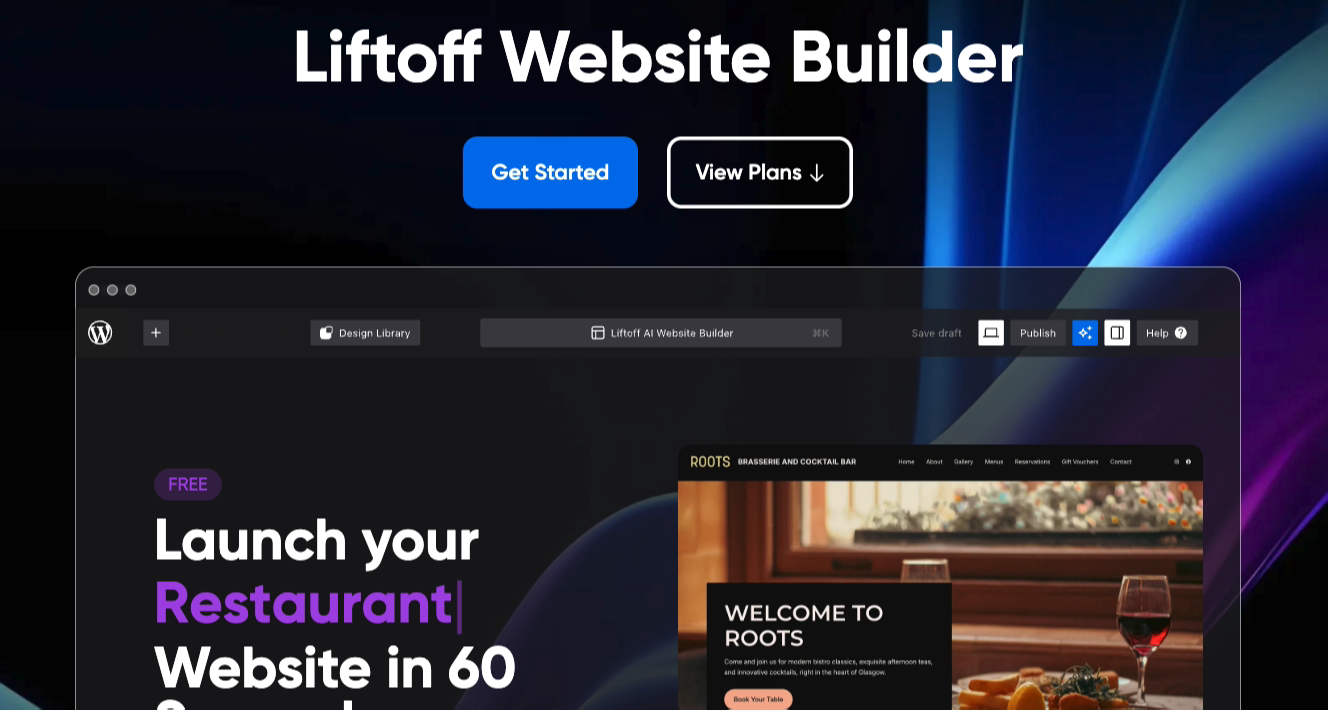
DreamHost builds its site builder on top of WordPress, so you get WordPress flexibility with hosting included and a free custom domain.
DreamHost Pros
Because it sits on WordPress, you get its core flexibility with a custom interface. You can choose from professional designs and edit colors, layouts, and fonts by pointing and clicking.
It includes a staging site for testing and a WYSIWYG editor. You can build any type of site and add SEO, social, and WooCommerce features.
DreamHost Cons
It uses self-hosted WordPress.org, so you need WordPress hosting. There is no free builder plan, but there is a 97-day money-back guarantee.
Plans and Pricing
DreamHost shared hosting with the builder starts around $3 per month for the first term, with managed WordPress plans higher up. Renewal rates are higher, so read the fine print.
My Verdict: A good middle ground if you want WordPress under the hood without managing hosting separately. Just know the intro price climbs at renewal.
GoDaddy: Best for Quick One-Click Setup
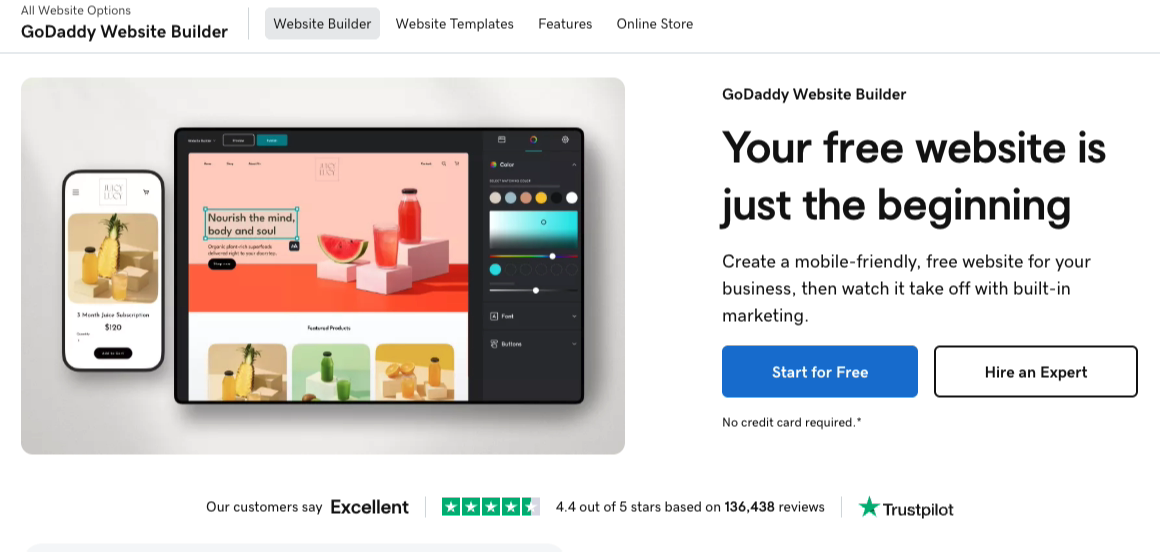
GoDaddy is one of the largest hosting and domain companies, and its website builder is built for speed and simplicity.
GoDaddy Pros
The builder uses drag-and-drop blocks, so you can put a site together fast. There is a built-in photo library, and you can upload your own images too.
It works with WooCommerce, so it can run as a store, and sites look good on mobile. No credit card is needed to start.
GoDaddy Cons
It is not as feature-rich or flexible as other builders here. Migrating away from GoDaddy is also not straightforward.
Plans and Pricing
GoDaddy offers a free plan, with paid builder plans starting around $9.99 per month on an annual term and rising for commerce features.
My Verdict: The fastest way to a basic site if you already use GoDaddy for your domain. Outgrow it the moment you need real flexibility.
SeedProd: Best for Owning a Fast WordPress Site Without Code

If WordPress.org wins on ownership but the building part feels daunting, this is where SeedProd comes in. It is a drag-and-drop WordPress website builder that lets you create an entire custom site without writing code or hiring a developer.
I use it on my own sites, and I am not a designer. The reason it earns a spot here is speed, both to build and on the front end.
SeedProd Pros
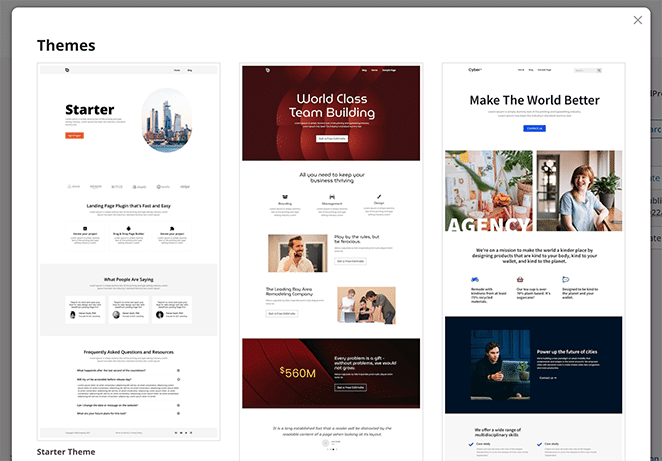
You can create a full WordPress website using SeedProd’s theme builder, then customize every section in the visual editor and see changes in real time.
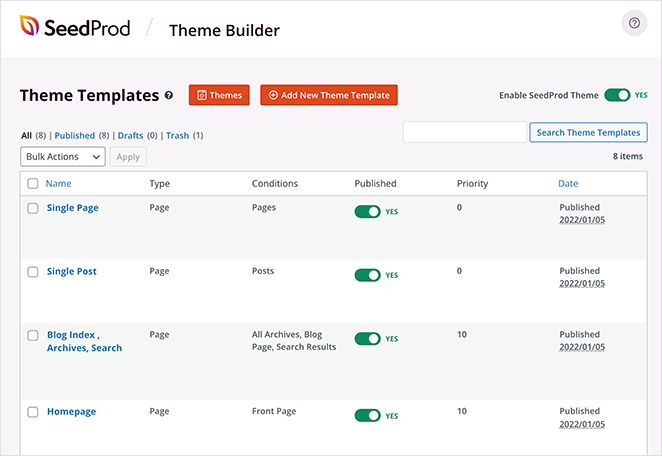
You can build every part of the site:
- Headers and footers
- Sidebars
- Blog and archive pages
- Single posts and search pages
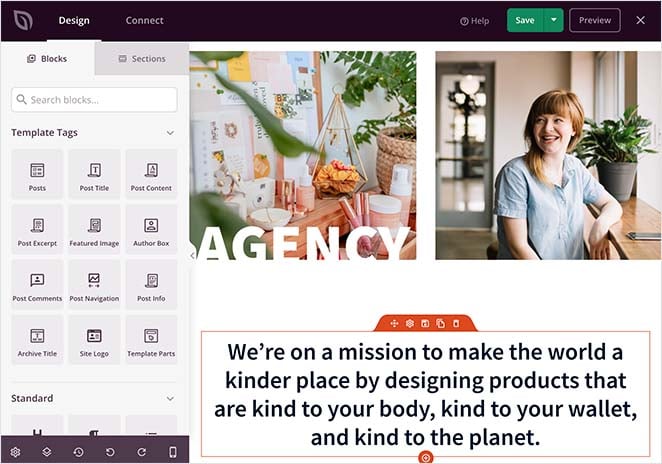
You can also spin up landing pages in minutes from hundreds of templates. Think sales, squeeze, thank you, and video landing pages, plus built-in coming soon and maintenance modes.
Here is the part that matters for a small business. In my own GTmetrix testing, a SeedProd page loaded in 556ms against 1,882ms for the same page in Elementor.
On the server side, SeedProd used 4.3MB of memory and 34 database queries, versus 13MB and 86 queries for Divi.
SeedProd also has an AI website builder in development that drafts a theme from a short description. It is early, so I would treat it as a head start, not a finished site.
SeedProd Cons
SeedProd only works on WordPress, so it is not the pick if you are not on WordPress and do not plan to be. The free version is also best for coming soon and maintenance pages rather than full landing pages.
Plans and Pricing
- Basic: $79 per year (1 site)
- Plus: $199 per year (3 sites)
- Pro: $399 per year (5 sites)
- Elite: $599 per year (100 sites)
Get started with SeedProd today.
My Verdict: If you want the ownership of WordPress.org without wrestling with code, and you care about page speed, this is the pairing I keep coming back to. Skip it only if you are committed to a non-WordPress platform.
Are AI Website Builders Worth It Yet?
AI website builders are improving, but they are not a hands-off way to launch a finished site yet. They are useful as a starting point, not a final product.
The pitch is simple: describe your business, and the tool drafts a site. In practice you still need to edit the copy, swap the stock images, and fix the layout before it feels like yours.
I see AI as a time-saver on the blank-page problem. It gets you a rough structure in seconds, which is genuinely helpful when you do not know where to start.
SeedProd’s AI website builder fits that mold. It drafts a theme from a description so you skip the empty canvas, then you refine it in the same drag-and-drop editor.
Treat the output as a first draft and you will get value from it.
What Is the Best Website Builder?
For most small businesses, WordPress.org is the best website builder. It gives you the most control, the most room to grow, and ownership of everything you create.
If the build itself feels like the hard part, pair WordPress.org with SeedProd. You keep the ownership and get a fast site without touching code.
Best Website Builders FAQs
Which is the best website builder?
WordPress.org is the best website builder for most small businesses because you own your site and can grow it without limits.
If building from scratch feels intimidating, pair it with SeedProd to get a fast, custom site without code.
What is the best website builder for a small business?
WordPress.org paired with a builder like SeedProd is the strongest small business option, since it keeps costs low and lets you add features as you grow.
If you would rather not manage hosting at all, Wix and Squarespace are easier hosted alternatives.
Are AI website builders worth it yet?
AI website builders are worth using as a starting point, not a finished site. They draft a structure in seconds, but you still edit the copy, images, and layout yourself.
SeedProd’s AI builder works this way: it gives you a head start, then you refine the result in the editor.
Is Wix or Squarespace better?
Wix is better for total beginners who want maximum flexibility and a free plan to test. Squarespace is better if design quality is your priority and you want polished templates out of the box.
Both lock you into their platform, so neither is ideal if owning your content matters most.
Start Building Your Website Today
The right builder comes down to how much you want to own and how much you want handled for you. For most small businesses, WordPress.org paired with SeedProd hits that balance: full ownership, a fast site, and no code.
If you are on WordPress, SeedProd is the quickest way I know to a custom site. Still deciding on scope? Browse our best free one-page website builders or best website builders for service-based businesses.
Thanks for reading! We’d love to hear your thoughts, so please feel free to join the conversation on YouTube, X and Facebook for more helpful advice and content to grow your business.



