
TL;DR: Best Unbounce Alternatives
Unbounce now starts at $29 a month, so the question is no longer whether you can find something cheaper. It’s whether you want your landing pages on a separate platform from your website.
- SeedProd – Best for WordPress sites. From $79 a year, with a free version.
- Leadpages – Best standalone builder if you’re not on WordPress. From $10 a month.
- Elementor – Best for design control inside WordPress. From $60 a year.
- HubSpot – The only genuinely free option here, if you can live with its template limits.
- Landingi – Best budget standalone platform. From $24 a month.
- Skip Instapage at $99 a month unless you’re an ad team with the budget to match.
If you’re looking at Unbounce alternatives to save money, the maths has changed. Unbounce now starts at $29 a month, or $22 if you pay annually, so the cheaper-tool argument that sent most people down this road doesn’t hold the way it used to.
What hasn’t changed is the awkward part, because Unbounce still hosts your landing pages on its own platform while the rest of your site runs on WordPress, leaving you to maintain two things that should be one.
I won’t pretend I’m neutral: SeedProd is our own product and it’s what I use on my own sites. So I’ve named the real limitations of all eight tools below, ours included, and said plainly where something else is the better pick.
How I Picked These Unbounce Alternatives
Every tool here had to clear the same bar, and having an affiliate programme was not part of it. Three tools that were on the older version of this list got cut for failing the first test.
- It has to be a landing page builder. Email platforms that bolt a page editor onto a newsletter tool aren’t Unbounce alternatives, whatever their marketing says. GetResponse, Brevo and Mailchimp came off the list for this reason.
- Prices checked against Unbounce’s real entry point. Every price below was verified on the vendor’s own pricing page, not carried over from the last time this article was updated.
- The free tier had to be real. A trial isn’t a free plan, and I’ve said which is which.
- WordPress compatibility stated up front. Whether a tool installs as a plugin or lives on its own platform changes your whole workflow, so it belongs in the first line of each review.
I use SeedProd on live WordPress sites. I built pages in Unbounce and Instapage myself while testing AI landing page tools in July 2026, and those sessions are where the hands-on notes below come from. For the rest I reviewed each tool directly, against 13 years of testing WordPress and landing page platforms.
The 8 Best Unbounce Alternatives for 2026
- 1. SeedProd, If Your Site Runs on WordPress
- 2. Leadpages, the Strongest Option off WordPress
- 3. Elementor, More Control and Heavier Pages
- 4. HubSpot, Free Until It Suddenly Isn’t
- 5. Landingi, a Cheaper Unbounce in Almost Every Respect
- 6. ClickFunnels, Only If You Need the Whole Funnel
- 7. Thrive Architect, for People Already in the Thrive World
- 8. Instapage, the Expensive Option for Ad Teams
- How the Unbounce Alternatives Compare
- Is Unbounce Still Worth Paying For?
- What to Do Right Now
1. SeedProd, If Your Site Runs on WordPress
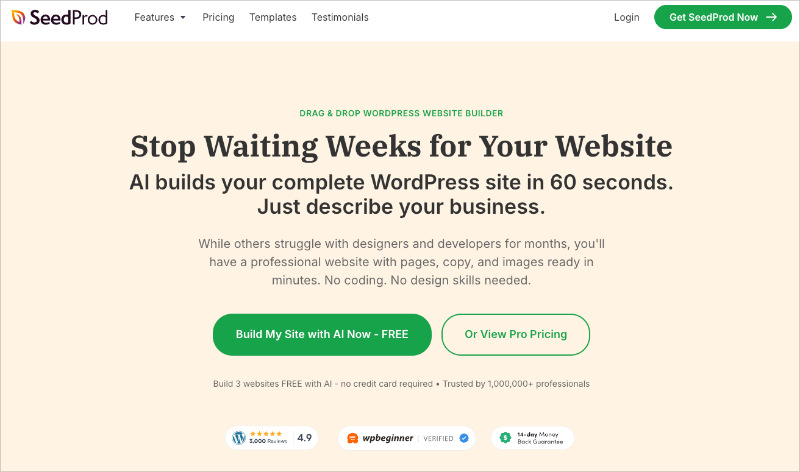
SeedProd is a WordPress plugin you install on your own site, and you build landing pages in it by dragging pieces around a page until it looks right.
I know, it’s our own product, but hear me out. It’s the only tool here that keeps your pages on your own domain, inside the site you already run, with no second platform to keep in sync.
It’s WordPress-only, and that rules it out for some of you, so if your site is built on something else, skip ahead to Leadpages or Landingi.
What you get for a landing page specifically, on top of 300+ landing page templates to start from:
- Around 90 conversion blocks on paid plans, including opt-in forms, countdown timers, pricing tables and testimonials
- Coming soon, maintenance, 404 and custom login pages from the same builder, each switched on with one click
- Dynamic Text on Pro, which swaps your headline to match the ad someone clicked
- A subscriber dashboard inside WordPress, so you can see who signed up without opening your email tool
What the free version actually gives you: the builder and unlimited landing pages, free from WordPress.org. The opt-in form block and the email integrations start at Basic, so on the free plan you can build the page but not connect it to your mailing list.
Speed is the one place I have numbers rather than an impression. I built the same page in each tool and measured it with GTmetrix: SeedProd came in at 556ms, Elementor at 1,882ms.
Two real gaps, though. SeedProd has no A/B testing at any tier and no popup builder either, which I checked in the plugin code rather than trusting the marketing page, and Unbounce gives you both. For popups it points you at OptinMonster from its own dashboard.
| Plan | Price | Sites | What it adds |
|---|---|---|---|
| Free | $0 | Your own | Builder, unlimited pages, coming soon and maintenance modes |
| Basic | $79/year | 1 | 90+ conversion blocks, email integrations, subscribers, 404 and login modes |
| Plus | $199/year | 3 | Theme builder, website kits, stock photos |
| Pro | $399/year | 5 | Dynamic Text, Zapier, 300+ templates |
| Elite | $599/year | 100 | WooCommerce blocks, domain mapping |
It bills annually rather than monthly, which is where comparisons with Unbounce usually go wrong. If your site’s on WordPress and you’re not split testing every week, this replaces Unbounce for less than one month of Unbounce’s mid plan.
2. Leadpages, the Strongest Option off WordPress
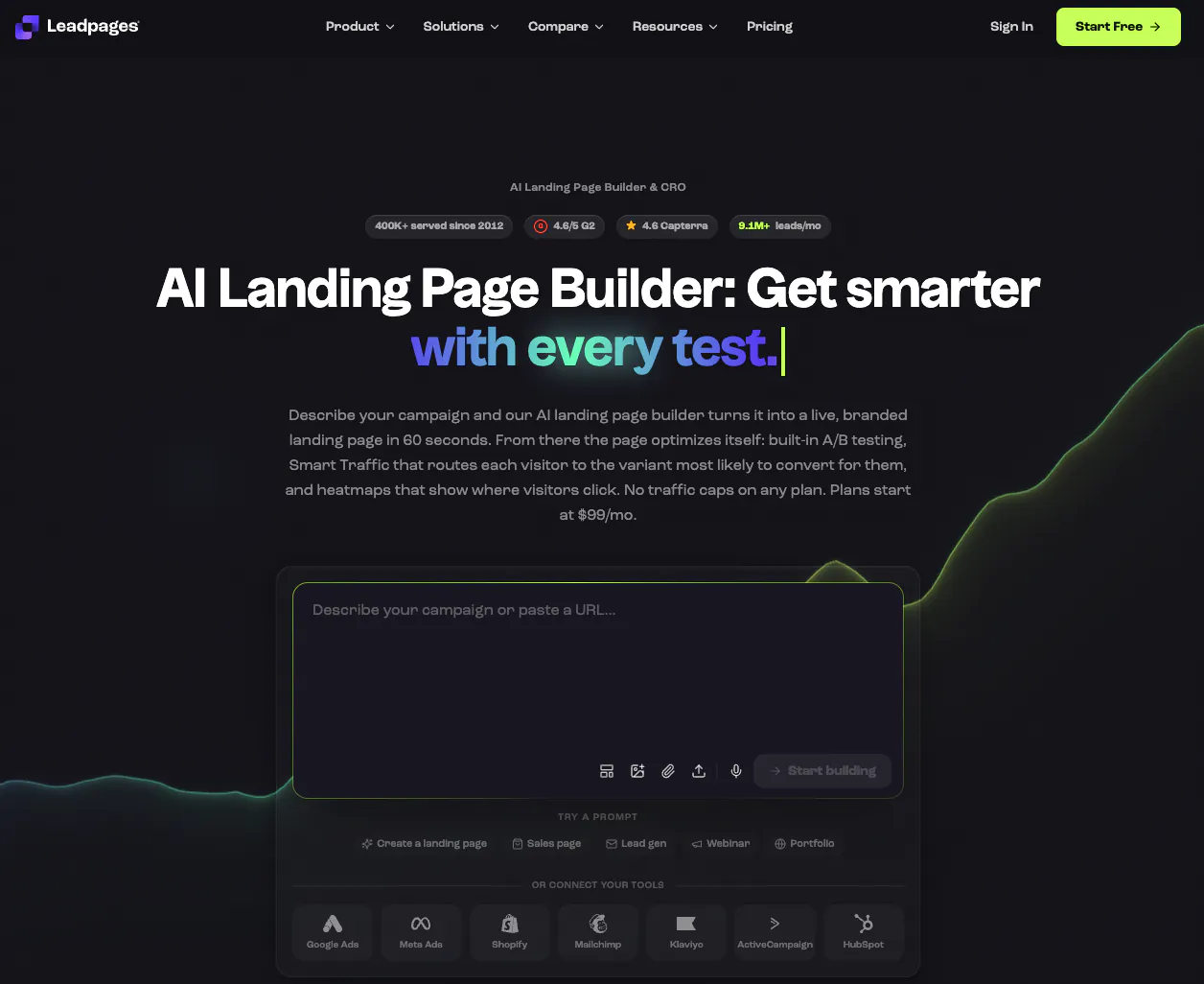
Leadpages is a hosted service, so you build your pages on their site and they run them for you. You don’t need WordPress at all, which is the whole point of it.
Leadmeter scores your page while you build and flags what’s likely to hurt conversion, and you can take Stripe payments on the page itself, which Unbounce can’t.
I’m in two minds about scores like that. A page can score well and still not say anything worth reading, so it won’t rescue a weak offer. As a check on whether you’ve forgotten a headline or buried the button, it earns its place.
It also covers what SeedProd doesn’t, with a proper popup builder and sticky alert bars, and it ships an MCP connector so you can publish by asking Claude or ChatGPT instead of opening the editor.
The pricing is where it gets annoying, because Leadpages is really two products now.
| Line | Price | What you get |
|---|---|---|
| HTML Pub | $10 to $49/month | Publishing only: 5 to 50 pages, custom domains, MCP connector from $29 |
| Leadpages | $99 to $399/month | Unlimited pages and traffic, A/B testing, dynamic text, lead enrichment |
That split irritates me, because the $10 plan isn’t the product people mean when they tell you to try Leadpages. A/B testing now starts at $99, and older roundups (including an earlier version of this one) said it came with every tier.
It wins on ease and loses on design control, and there’s more in my Leadpages review and my roundup of Leadpages alternatives. At $99 you’re level with Unbounce’s second tier rather than saving anything.
3. Elementor, More Control and Heavier Pages
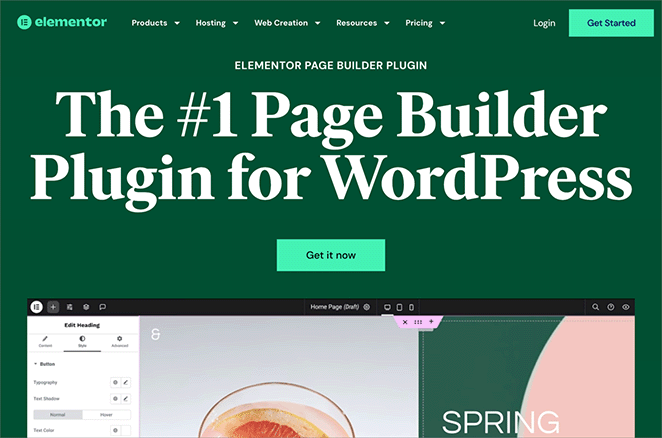
Elementor is the other big WordPress plugin for this, and it builds your whole site rather than just landing pages. It runs about 13% of the web, so you’ve probably used a site built with it.
I built client sites in it for years before I worked on SeedProd. What you’re paying for is control: you can put anything anywhere, set styles that cascade across the site, and it has a popup builder, which SeedProd doesn’t.
What you pay for that is weight, and the same page built in Elementor loaded in 1,882ms across 32 requests when I measured it, against SeedProd’s 556ms across 16. That was part of a wider speed test of the main WordPress builders.
In fairness that was my own test setup, not a universal benchmark, and Elementor has since shipped real performance work aimed at Core Web Vitals. Test your own build before you take my figure as current.
The add-on ecosystem is a genuine strength and a genuine trap. There’s a plugin for anything you want Elementor to do, and a site running six of them is slower and more fragile than one running none.
At $60 a year it’s the cheapest paid entry here, and the free version is genuinely usable. Pick it when design control is the point, and SeedProd when the page needs to load fast with fewer moving parts.
4. HubSpot, Free Until It Suddenly Isn’t

HubSpot is a customer database with marketing tools bolted on, and the landing page builder is one of those tools. Your pages sit on HubSpot, not your site.
It’s the only genuinely free option here alongside SeedProd’s free version, with no card or trial clock.
The free tier does something no other free tool here does. It changes what the page says depending on who’s reading it, using their location, their device or anything you already know about them. The forms build on that too, so a returning visitor is never asked the same question twice.
That tells you what HubSpot really is, because the builder is a way into the database, which makes it strong if your contacts already live there and merely adequate if they don’t.
The catch is design freedom on the free and Starter plans, where you’re stuck close to the templates. Then the price cliff arrives. Starter is $20 a month per seat, and Professional, where the real marketing features live, is $800 a month plus a mandatory $3,000 onboarding fee.
So publish a page on it today by all means, and I would. What I wouldn’t do is build your lead capture on it without checking where the feature you’ll want next actually sits.
5. Landingi, a Cheaper Unbounce in Almost Every Respect
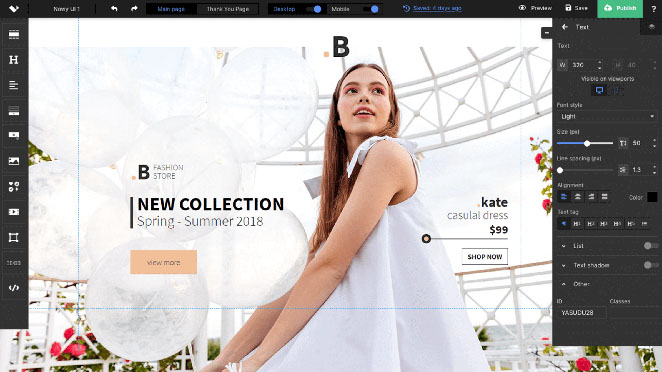
Landingi does the same job as Unbounce in the same way, a hosted platform where you build pages and they host them, at $24 a month billed annually.
The editor works like Unbounce’s, so you place things exactly where you want rather than filling slots in a template.
Programmatic Landing Pages is the feature I’d genuinely switch for. You build a single template and it generates a portfolio of pages from it, localised automatically, which is the difference between running twelve campaigns and running twelve hundred. Instapage does the same thing, but it starts at $99 a month against Landingi’s $24.
It also tracks what people do on the page, clicks and scroll depth and where they hesitate in your forms, and it can test more than two versions at once. Popups are included, unlike SeedProd.
The interesting comparison is a tier up, because Unbounce charges $149 a month for its optimisation plan against Landingi’s $119.
Domains are the catch. The entry plan is thin on them and each extra costs $5 a month, so running pages for several brands climbs faster than the headline price suggests.
Bottom line: if you want what Unbounce does but resent the invoice, this is the straight substitution. You keep the separate-platform problem and simply pay less for it.
6. ClickFunnels, Only If You Need the Whole Funnel
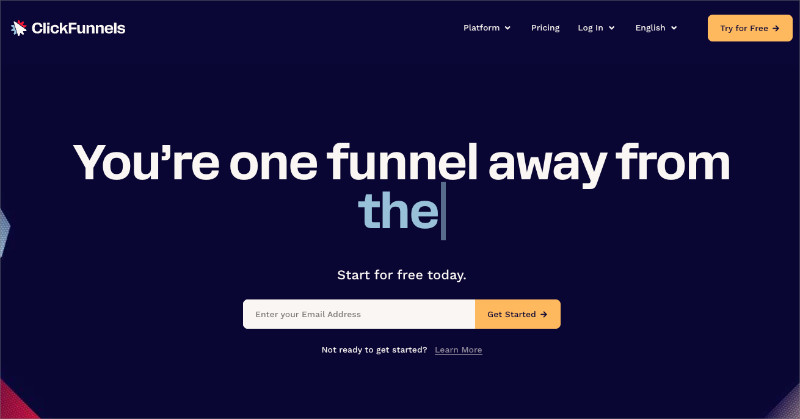
ClickFunnels builds funnels rather than pages, meaning a run of pages that carries someone from an advert through a checkout and into follow-up emails, all wired together.
So don’t buy it as an Unbounce replacement. Buy it when you’re selling something that needs the upsells, the order bumps and the email sequence, or when you’re hosting a course or a membership area behind it. I’ve compared the options in my guide to sales funnel builders.
The templates have a recognisable look, heavy on the long-form sales page. I find them hard to look at, and that isn’t a small thing when the page is the first impression somebody gets of you.
At $97 a month, or $81 billed annually, it only makes sense when the page was one step in a funnel you were building anyway. My full comparison is in Unbounce vs ClickFunnels vs SeedProd.
7. Thrive Architect, for People Already in the Thrive World
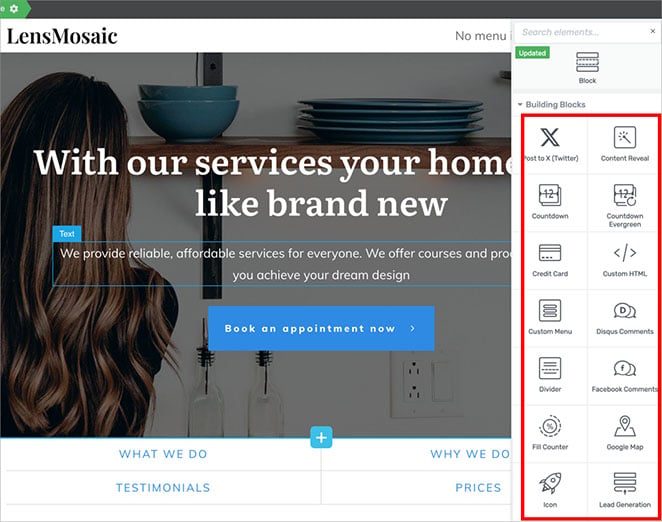
Thrive Architect is another WordPress plugin, from a company that makes nothing but conversion tools, and the templates show it.
They arrive with the copy already written in, headline and subhead and benefit bullets and all. That’s the bit I’d actually miss if I moved off it. The blank hero section is where most people stall, not the features, and Thrive is the only tool here that hands you a first sentence to argue with.
It’s also the only WordPress option here with real A/B testing, though not on its own, because split testing sits in a separate add-on called Thrive Optimize.
| What you buy | Price | Why |
|---|---|---|
| Thrive Architect alone | $199/year, 1 site | Landing pages, no split testing |
| Architect and Optimize | $399/year | Adds A/B testing |
| Thrive Suite | $599/year, 5 sites | Adds the theme builder, quiz and course plugins |
Check that against what you remember, because the old $67 single-site price is long gone. Buy it if you already own Thrive Suite or you genuinely need split testing without leaving WordPress, because $399 a year for that one capability is a lot when Unbounce includes it.
8. Instapage, the Expensive Option for Ad Teams
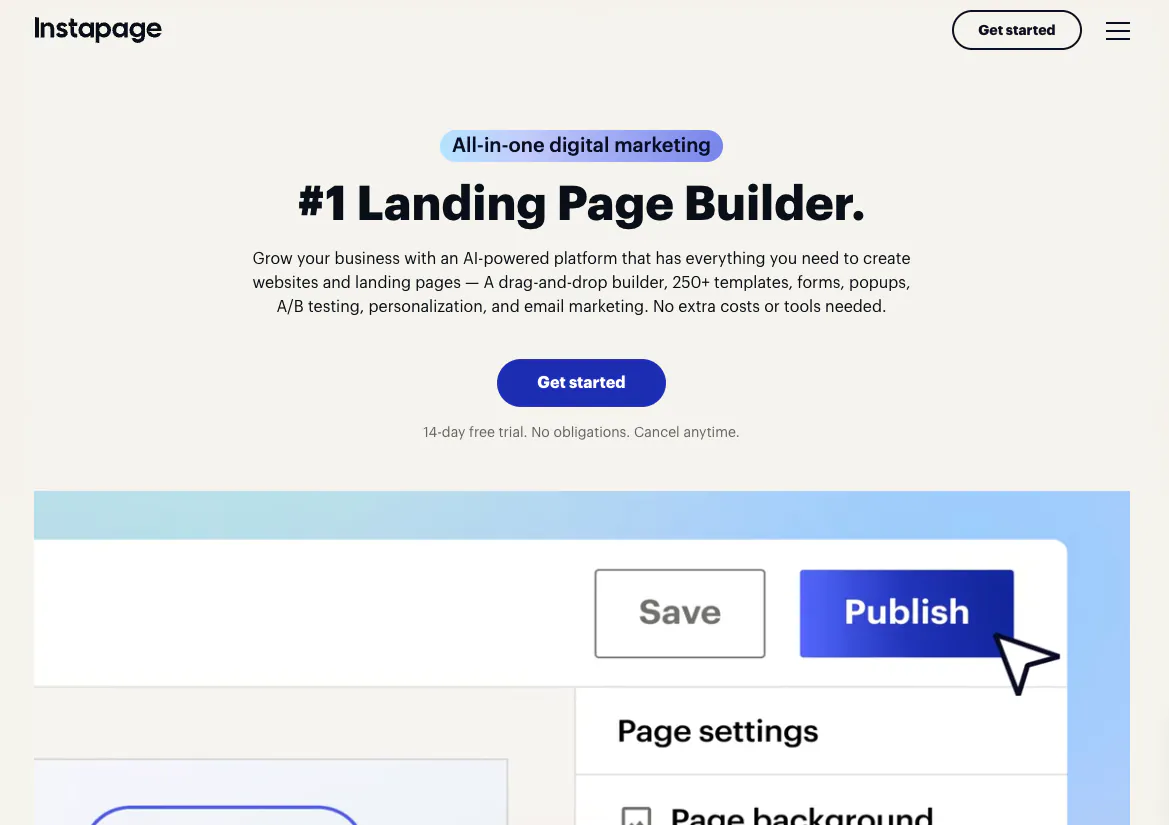
Instapage is a hosted platform like Unbounce, built for marketing teams running a lot of paid advertising at once.
It’s also the most expensive tool here. Create is $99 a month, or $79 if you pay annually, and that caps you at 15,000 visitors a month.
The features you’d actually switch for sit higher up. Server-side A/B testing and dynamic text replacement start on Optimize at $199 a month, and heatmaps are enterprise-only on the custom-priced Convert plan.
The product is capable, and I built pages in it in July 2026 while testing AI landing page tools. AdMap is what it’s known for. You lay your ad campaigns out visually and connect each one to the page it should point at, so you can see which ads are aimed at the wrong place.
Edits you make on desktop don’t carry across to the mobile view until you hit “Regenerate Mobile”, which caught me out repeatedly, so it’s easy to publish a page you think you’ve already fixed.
All of it is priced for a team with a budget holder rather than for you and a credit card. My longer notes are in my Instapage review and in Instapage vs Unbounce vs SeedProd, and if Instapage is the tool you’re leaving, my Instapage alternatives roundup covers that side of it.
How the Unbounce Alternatives Compare
Here is the whole list side by side, with every price checked on the vendor’s own pricing page in September 2026.
| Tool | Starting price | Free plan | Runs on WordPress | A/B testing | Best for |
|---|---|---|---|---|---|
| SeedProd | $79/year | Yes | Yes, plugin | No | WordPress sites |
| Leadpages | $10/month | No | Optional | From $99/month | Standalone pages off WordPress |
| Elementor | $60/year | Yes | Yes, plugin | No | Design control in WordPress |
| HubSpot | Free | Yes | Optional | Paid tiers | A free page, and HubSpot CRM users |
| Landingi | $24/month | No | Optional | From $119/month | A cheaper Unbounce |
| ClickFunnels | $97/month | No | No | Yes | Multi-step sales funnels |
| Thrive Architect | $199/year | No | Yes, plugin | With $399 bundle | Existing Thrive users |
| Instapage | $99/month | No | Optional | From $199/month | Teams running paid ads at volume |
| Unbounce | $29/month | No | Optional | Higher tiers | Regular conversion testing |
Is Unbounce Still Worth Paying For?
When Unbounce Is the Right Call
Often enough, and I’d rather say so than have you switch on my say-so and come back annoyed. If you run split tests as a matter of routine, Unbounce does that better than every WordPress plugin here, because most of them don’t do it at all.
It’s also the better answer if your landing pages need to sit outside your website by design, which is exactly the position an agency is in when the client owns neither the site nor the domain.
Where I Found It Frustrating
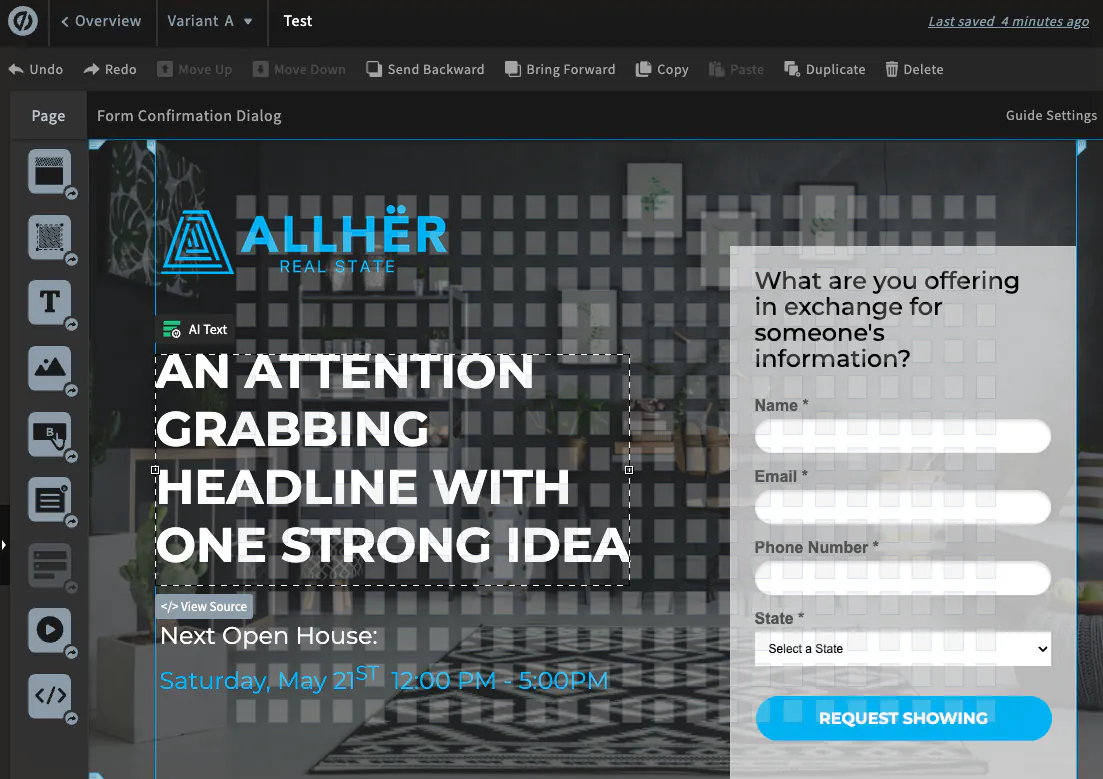
When I built a page in it in July 2026 the builder felt panel-heavy, with simple edits meaning more clicking through side menus than the same job in SeedProd or Leadpages.
The AI copy was the bigger disappointment. Unbounce’s AI Text handed me lines like “transform your brand and captivate your audience instantly”, which is the sort of sentence you have to delete before you can start writing.
None of that makes Unbounce a bad product. It makes the $29 tier a reasonable place to test the idea rather than an obvious win, which is a different pitch from the one it had when this article was first written.
How to Build Your Landing Page in WordPress Instead
If the separate platform is the thing you want rid of, the switch is smaller than it looks, because you install SeedProd, pick a template, and the page publishes on your own domain. If you’d rather weigh the plugin options first, I tested the main WordPress landing page plugins against each other.
- Install the free version first. Get it from WordPress.org and build one page before you spend anything, so you can see the editor with your own content in it.
- Start from a template, not a blank page. Pick the closest layout to what you need and replace the content rather than building sections from scratch.
- Wire up your email list. This is the point you need Basic at $79 a year, because the opt-in form block and the email list integrations start there.
- Point your old Unbounce URL at the new page. Add a redirect so the traffic and any links you have built follow you across.
If the Leadpages MCP connector above made you wonder when WordPress would get the same thing, it already has, and it’s free.
WPVibe is a free plugin from SeedProd that turns your WordPress site into something Claude or ChatGPT can operate directly. You write, edit and publish pages by asking for them in a chat window instead of opening the editor.
The free tier gives you 100 tool calls a day with the full feature set, and you can connect as many sites as you want. I use it to edit posts on this blog, which I realise isn’t a neutral endorsement either.
Leadpages charges $29 a month for its version of the same idea, which is a gap worth noticing.
What to Do Right Now
Don’t start by picking a tool. Start by answering one question: does your website already run on WordPress?
- If you’re on WordPress, install SeedProd’s free version and rebuild one existing landing page in it. An hour will tell you more than another afternoon of comparison articles.
- If you’re not on WordPress, start a Landingi trial at $24 a month rather than Unbounce at $29. Same shape of product, lower floor.
- If your budget is genuinely zero, open a HubSpot free account and publish one page today. You can move it later.
- If split testing is the whole reason you’re here, stay on Unbounce and move up a tier instead of switching. None of the cheap WordPress options will replace that.
Frequently Asked Questions About Unbounce Alternatives
What Is the Best Free Alternative to Unbounce?
HubSpot and SeedProd both have genuinely free plans, and which one fits depends on your setup. HubSpot’s free tier includes a hosted landing page builder with CRM personalisation and no time limit. SeedProd’s free version gives you unlimited landing pages inside WordPress, though you need the $79 a year Basic plan to connect a page to your mailing list.
Is Unbounce Cheaper Than It Used to Be?
Yes. Unbounce now starts at $29 a month, or $22 a month billed annually, where its entry plan used to sit closer to $80. Its higher tiers run to $99, $149 and $249 a month. The cheapest plan is a fair way to test the platform, but the conversion features most people want are on the plans above it.
Can I Use a WordPress Plugin Instead of Unbounce?
Yes, and for most small businesses that’s the cheaper answer. SeedProd, Elementor and Thrive Architect all build landing pages inside WordPress, so your pages sit on your own domain with nothing extra to maintain. The trade-off is A/B testing: SeedProd and Elementor have none built in, and Thrive needs a $399 a year bundle for it.
Is Instapage Worth the Extra Money?
Only if you’re running enough paid traffic to justify it. Instapage starts at $99 a month for 15,000 visitors, and the A/B testing and dynamic text most people want sit on the $199 plan. Landingi does a similar job from $24 a month, and a WordPress plugin does it for a yearly fee rather than a monthly one.
Do I Lose My Google Rankings If I Move My Landing Pages?
Not if you redirect them. Set up a 301 redirect from each old Unbounce URL to its new address and the ranking signals follow the page across. Moving pages onto your own domain often helps, because the links and authority build on your site instead of a subdomain you don’t own.
The right Unbounce alternative comes down to where your website already lives. Get one page rebuilt this week and you’ll know within the hour whether the switch is worth finishing.
You don’t need to design anything from scratch or move your site to do it. Start building landing pages with SeedProd today.