

TL;DR I personally tested the most popular blogging sites so you can skip the research and get straight to writing. Here are the top picks:
- WordPress.org: Best for anyone who wants full ownership, unlimited plugins, and room to grow a real business blog.
- WordPress.com: Best for beginners who want to start a free blogging site without managing hosting.
- Ghost: Best for content creators who want a clean newsletter and blog combo without platform lock-in.
- Substack: Best for writers who want a built-in audience and paid newsletter from day one.
- Squarespace: Best for bloggers who prioritize visual design and don’t want to deal with hosting.
- Wix: Best for small business owners who want drag-and-drop simplicity with a blog attached.
Picking a blogging platform feels like it should be a five-minute decision, but it almost never is. You open a comparison tab, then another, and an hour later you’ve got twelve options bookmarked and no clearer idea which one is right for you.
I’ve been building websites and writing about blogging platforms for over 15 years. I’ve watched bloggers choose the wrong platform and spend months trying to migrate out of it, or hit a monetization ceiling they never saw coming when they signed up.
In this guide, I’ll walk you through the best blogging sites available in 2026, what each one is good for, and which to avoid depending on your goal.
Which Blogging Platform Is Best in 2026?
WordPress.org is the best blogging platform for most people. It gives you full ownership of your content, over 60,000 plugins to extend functionality, and no ceiling on how far you can grow. For writers who want a simpler path, Ghost or Substack are strong alternatives depending on whether your goal is a standalone blog or a newsletter-first audience.
Here’s how all the top blog hosting options compare.
| Platform | Best For | Free Plan | Starting Price | Ease of Use (1-5) |
|---|---|---|---|---|
| WordPress.org | Full ownership, business growth | Free software (hosting required) | ~$3/mo (hosting) | 3/5 |
| Web.com | Beginners who want all-in-one hosting | No | $1.95/mo | 4/5 |
| WordPress.com | Free blogging site, no hosting needed | Yes | $9/mo (Personal) | 5/5 |
| Tumblr | Microblogging, quick media posts | Yes | Free | 5/5 |
| Medium | Writers focused on content and community | Yes | Free | 5/5 |
| Ghost | Newsletter + blog without platform lock-in | Self-hosted only | $15/mo (Ghost Pro) | 3/5 |
| Substack | Writers wanting a built-in paid audience | Yes | Free (10% fee on paid subs) | 5/5 |
| Squarespace | Design-focused blogs and portfolios | No (14-day trial) | $16/mo | 4/5 |
| Wix | Small business sites with a blog | Yes (limited) | $17/mo | 4/5 |
How I Chose These Platforms
I personally tested each of these platforms while researching this guide, drawing on 15+ years of WordPress experience and direct testing across platform builders, editors, and sign-up flows.
- Ease of setup: How long does it take to go from signup to a live post? I prioritized platforms a beginner could use without reading a manual.
- Design flexibility: Can you make the blog look like yours, or are you stuck with a template you can’t escape?
- Free plan quality: What can you actually do for free without hitting a paywall in the first hour?
- Monetization ceiling: This is the one most guides skip. Some platforms let you own your audience and your revenue. Others take a cut, show their own ads, or lock you in a way that quietly caps how much you can earn. I watched enough bloggers hit that ceiling to make it a primary factor here.
- Scalability: Does the platform grow with you, or do you outgrow it in 18 months and have to migrate?
The Best Blogging Platforms in 2026
- 1. WordPress.org: Best for Full Ownership and Long-Term Growth
- 2. Web.com: Best for Beginners Who Want Everything in One Place
- 3. WordPress.com: Best for Beginners Who Don't Want to Self-Host
- 4. Tumblr: Best for Micro-Blogging and Quick Media Posts
- 5. Medium: Best for Writers Who Want a Built-In Readership
- 6. Ghost: Best for Content Creators Who Want Newsletter and Blog Together
- 7. Substack: Best for Writers Who Want a Built-In Audience from Day One
- 8. Squarespace: Best for Design-Forward Blogs and Portfolios
- 9. Wix: Best for Small Businesses That Need a Site and a Blog
- Other Blogging Platforms Worth Considering
- Blogging Platform FAQs
1. WordPress.org: Best for Full Ownership and Long-Term Growth
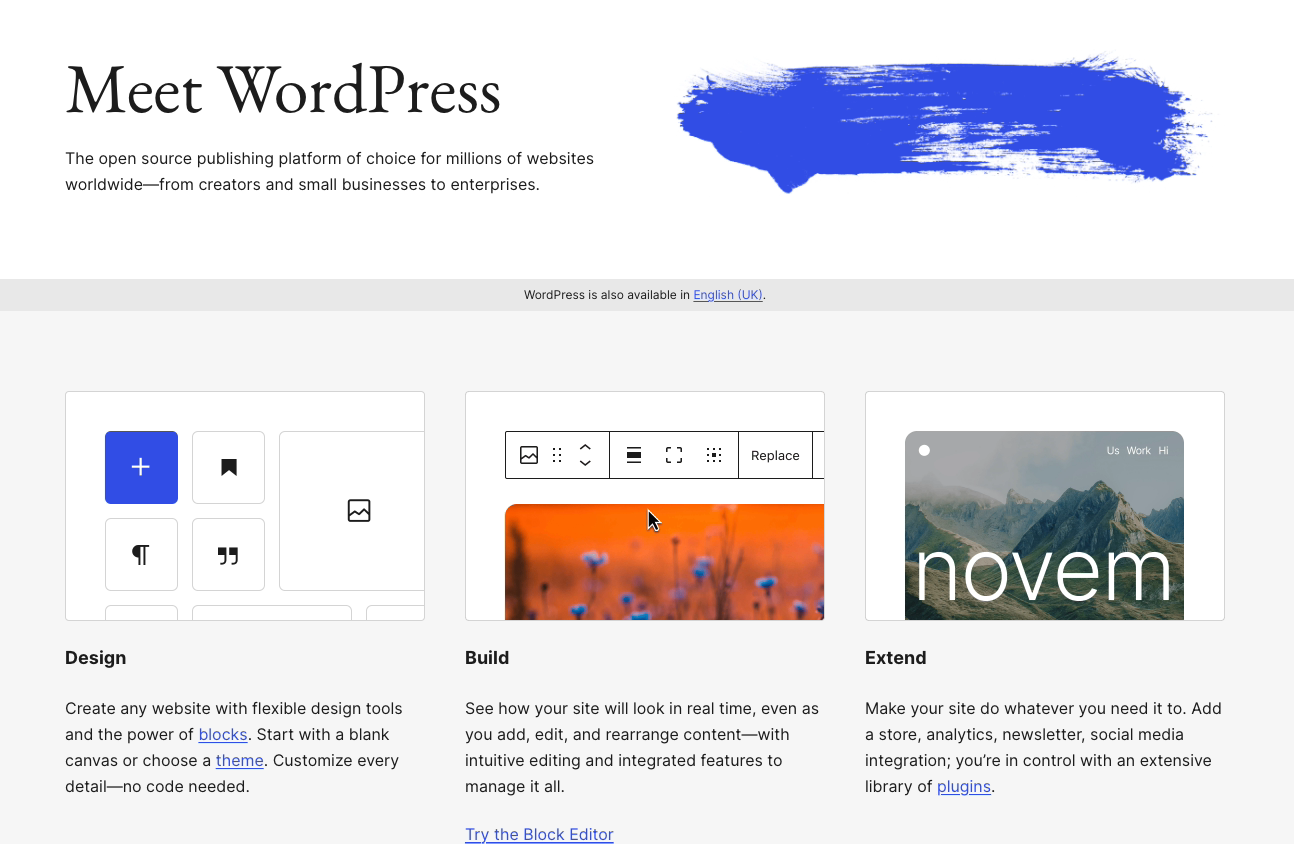
WordPress.org is one of the best free blogging platforms in the world. It powers over 43% of all websites on the internet, according to W3Techs.
WordPress.org is an open-source content management system that lets you build a blog in minutes. Since it’s self-hosted, you’ll need a domain name and a web hosting provider to get started.
It gives you complete control over your blog, your posts, and the direction of your site as you grow. That combination makes it the strongest self-hosted blogging platform available.
Pros
- Complete control over your blog with its content management system and automatic media embeds.
- You can add forums, online stores, and membership areas as your blog grows, making WordPress.org the best platform for monetizing a blog.
- Access over 60,000 plugins on WordPress.org to add contact forms, landing pages, popups, Google Adsense, and more. SEO plugins like Yoast, Rank Math, and AIOSEO integrate directly with your WordPress.org install.
- Choose from thousands of customizable free themes to stand out from competitors.
Cons
- There’s a learning curve at first, especially if you’ve never managed a website before.
- Backups and security are your responsibility.
WordPress.org Pricing
The WordPress.org software is free to use. You’ll need your own domain name and web hosting to start your blog.
One of the best WordPress hosting providers is Bluehost, an officially recognized WordPress.org host. Bluehost hosting plans start at $3.05 per month with a free domain for the first year, free CDN, and a free SSL certificate.
My Verdict
Choose WordPress.org if you want full ownership, unlimited flexibility, and a platform that can grow from a personal blog into a full business. It’s the platform I’ve used for every serious site I’ve built. Not the right pick if you’re still testing whether blogging is for you and don’t want to deal with hosting setup before your first post.
Check out this guide on how to start a WordPress blog for step-by-step setup instructions. If you have a particular niche in mind, you may also find this guide on how to start a mom blog helpful.
Build Your WordPress Blog Faster with SeedProd
If you go with WordPress.org, the software is just the starting point. You’ll still need to decide how your blog looks and how it’s structured. That’s where a lot of new bloggers lose hours trying to customize themes with code they don’t understand.

SeedProd is a drag-and-drop website builder for WordPress that lets you build a complete blog, landing pages, and custom theme without touching code. It comes with 200+ starter templates designed for bloggers, so you can launch a professional-looking site in an afternoon instead of a week.
If you’re serious about building a blog on WordPress.org, SeedProd removes the biggest friction point between installing WordPress and actually going live. See SeedProd’s plans and pricing.
2. Web.com: Best for Beginners Who Want Everything in One Place
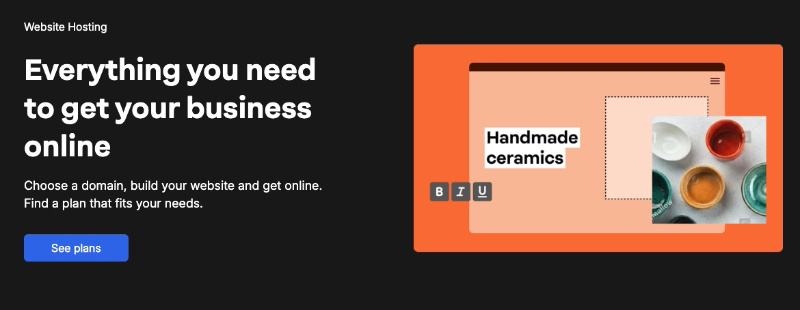
Web.com is a popular and affordable site builder with a built-in blogging platform. The easy drag-and-drop builder and hundreds of professionally designed website templates mean you don’t need any technical knowledge to get started.
It comes with everything you need to start a professional blog, including a free domain name, hosting, and a business email address. SEO tools, website analytics, security, autosave, and backup are all included.
Pros
- User-friendly drag-and-drop builder to customize your design.
- Hundreds of ready-made website templates and access to millions of free stock images.
Cons
- The blogging features aren’t as deep as WordPress.org.
- Switching to another platform later is difficult because Web.com is a proprietary builder.
Web.com Pricing
Web.com pricing starts at $1.95 per month. This includes the website builder, blogging platform, website templates, free stock images, and a free domain name.
My Verdict
Choose Web.com if you want a complete blogging setup with hosting included and no technical configuration required. Not the right pick if you plan to add plugins, grow a large audience, or eventually move your blog to WordPress.
3. WordPress.com: Best for Beginners Who Don’t Want to Self-Host
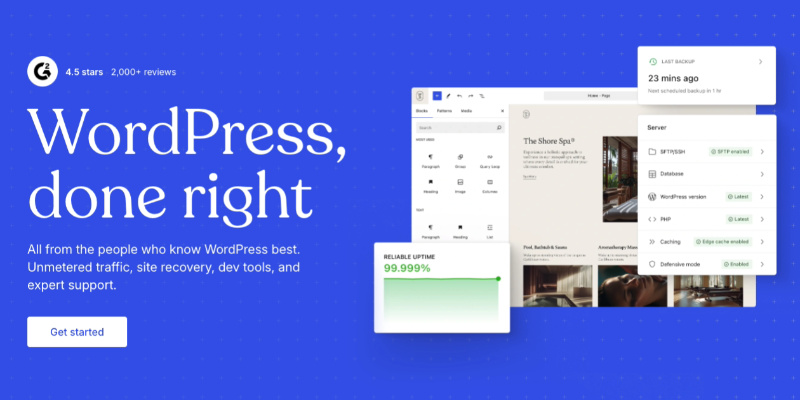
WordPress.com is a hosted version of the WordPress software managed by Automattic, the company co-founded by WordPress co-creator Matt Mullenweg. You get a free blogging site without managing any hosting yourself.
WordPress.com lets you start blogging for free with a WordPress.com subdomain, then add a custom domain, extra storage, and more features as you grow. It’s built for people who want the WordPress editor without the self-hosted setup.
Pros
- No setup required to get started.
- Easy to use for beginners with no technical background.
- The free tier gives you a working blog immediately, with a WordPress.com subdomain (example.wordpress.com).
Cons
- You can’t install custom WordPress plugins on lower-tier plans, which limits what you can do with your site.
- WordPress.com may show ads on your free blog, and you don’t control which ads appear.
- WordPress.com owns the platform, so your blog can be suspended if you violate their terms.
WordPress.com Pricing
A basic WordPress.com account is free with a WordPress.com subdomain and ads. The Personal plan starts at $9 per month (billed annually), which removes ads and adds a custom domain.
My Verdict
Choose WordPress.com if you want the WordPress editing experience without paying for hosting or managing your own server. Not the right pick if you plan to monetize seriously or need plugin flexibility, in which case WordPress.org is the better long-term move.
Alternative: A good WordPress.com alternative is the free blogspot.com platform from Google.
4. Tumblr: Best for Micro-Blogging and Quick Media Posts
Tumblr is a microblogging platform with built-in social networking. You can follow other Tumblr blogs, reblog content, share to social media, and post images, videos, GIFs, and audio without any setup.
Pros
- Free to use with a Tumblr subdomain; custom domains are available.
- Instant setup with easy social sharing built in.
Cons
- Limited features with no way to extend your blog’s functionality as it grows.
- Hard to export your content to another platform if you want to move later.
Tumblr Pricing
Tumblr is free. You can purchase a custom domain and third-party themes separately.
My Verdict
Choose Tumblr if you’re a micro-blogger who wants quick, visual posts with a social element and no technical overhead. Not the right pick if you want to monetize, grow a business, or own your audience.
5. Medium: Best for Writers Who Want a Built-In Readership
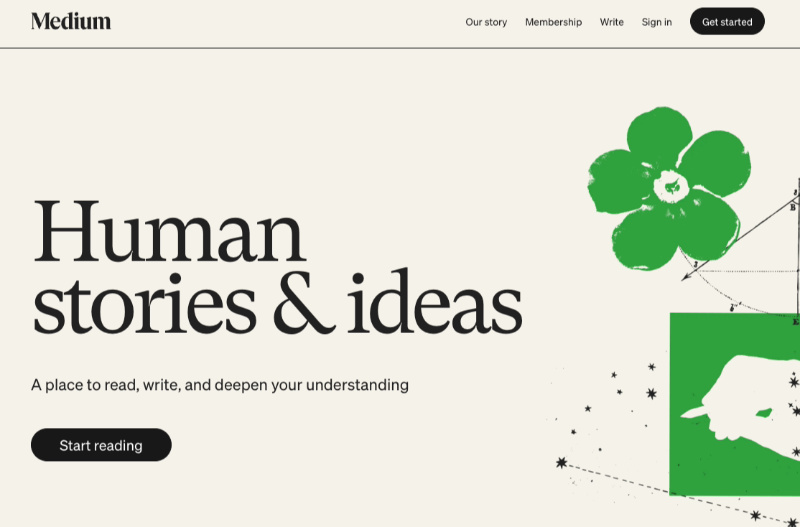
Medium is an online publishing platform for writers, journalists, bloggers, and subject matter experts. Its blogging interface is intentionally simple: you write, you publish, and Medium surfaces your work to readers already on the platform.
Your profile looks like medium.com/@yourname. Medium’s built-in audience is the main draw, especially for writers who don’t want to spend time building a following from scratch.
Pros
- No setup required and no coding skills needed.
- Access to an active community of readers with relevant interests.
- Monetization is possible through the Medium Partner Program.
Cons
- Medium owns your audience. If your account is restricted or the platform changes its algorithm, your reach goes with it.
- No custom domain on the free plan and no control over ads.
Medium Pricing
Medium is free to publish on. The platform’s limited monetization options lead many writers to eventually switch from Medium to WordPress.
My Verdict
Choose Medium if your priority is reaching readers quickly without building an audience from zero. Not the right pick if you want to own your list, run ads, or have any control over how your brand looks.
6. Ghost: Best for Content Creators Who Want Newsletter and Blog Together
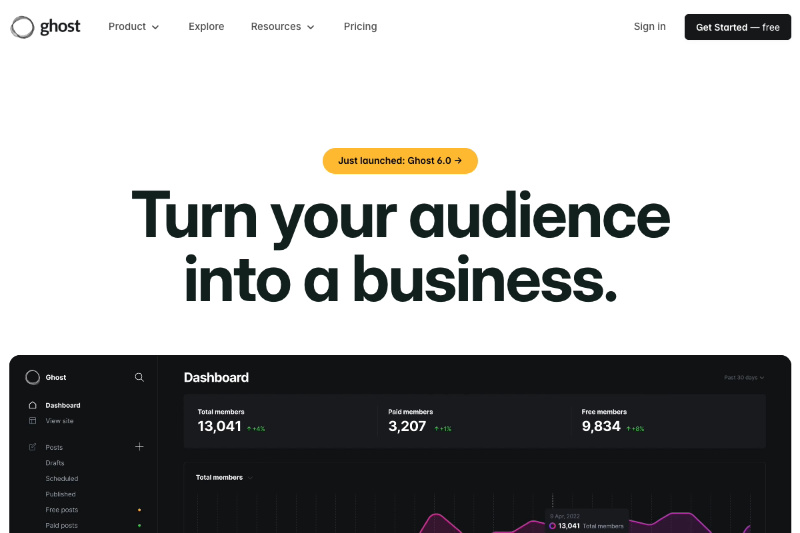
Ghost is an open-source publishing platform built specifically for content creators. Unlike WordPress, Ghost is purpose-built for writing-focused sites with a newsletter and membership layer baked in from the start.
You can self-host Ghost for free or use Ghost(Pro), the managed hosting service, which handles the technical setup for you.
Pros
- Clean, distraction-free editor designed for long-form writing.
- Built-in newsletter and paid membership features with no transaction fees on Ghost(Pro) plans.
- Self-hosted version is free and fully customizable for developers.
Cons
- Self-hosting requires technical setup that isn’t beginner-friendly.
- Ghost(Pro) starts at $15/month, which is pricier than some alternatives for bloggers just starting out.
Ghost Pricing
Self-hosted Ghost is free and open-source. Ghost(Pro) managed hosting starts at $15/month (billed annually) for the Starter plan, with the Publisher plan at $29/month. All Ghost(Pro) plans take 0% of your membership revenue.
My Verdict
Choose Ghost if you’re a serious content creator who wants a clean newsletter and blog in one platform without handing a percentage of your revenue to anyone. Not the right pick if you’re a beginner, want a large plugin ecosystem, or need e-commerce features beyond memberships.
7. Substack: Best for Writers Who Want a Built-In Audience from Day One
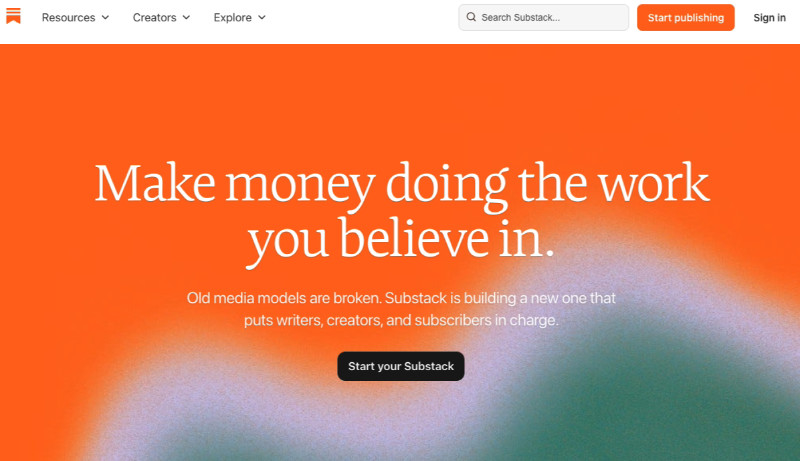
Substack is a newsletter and blog platform that combines your writing with a built-in subscriber base. You write a post, your subscribers get it by email, and your archive lives as a public blog at yourname.substack.com.
Substack grew quickly because it gave writers an easy way to get paid subscriptions without building a tech stack. The platform has a discovery component that can surface your writing to new readers, which is rare among free blogging sites.
Pros
- Free to start with a newsletter and blog in one place, no hosting required.
- Built-in discovery can grow your audience without paid promotion.
- Paid subscriptions are easy to set up, and you keep 90% of revenue.
Cons
- Substack takes 10% of all paid subscription revenue.
- Limited design control and no custom domain on the free plan.
Substack Pricing
Substack is free to use. If you offer paid subscriptions, Substack takes a 10% fee from your revenue. There are no monthly platform fees.
My Verdict
Choose Substack if you’re a writer who wants to start building a paid readership quickly without a tech setup. Not the right pick if the 10% fee becomes significant at scale, or if you want full brand control and a custom domain from day one.
8. Squarespace: Best for Design-Forward Blogs and Portfolios
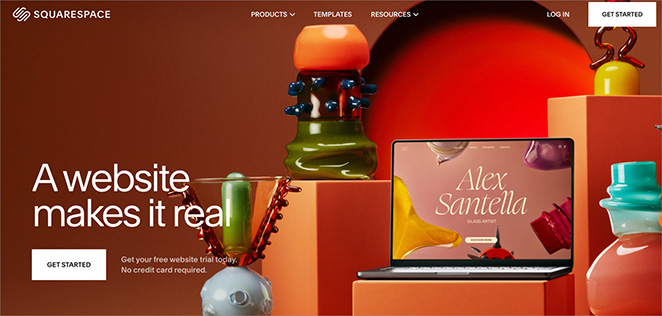
Squarespace is a website-building platform with an easy drag-and-drop interface that lets you create beautiful websites and personal blogs without coding. It focuses on small business owners and creatives who want a polished online presence quickly.
Squarespace started in 2003 and powers millions of websites. Its templates are some of the most visually refined available on any blogging platform.
Pros
- Beginner-friendly with polished, professionally designed templates.
- Add-on premium email marketing services available.
- Includes a domain with HTTPS/SSL and eCommerce on paid plans.
Cons
- Features are limited to what Squarespace builds into the platform.
- No free plan, only a 14-day trial.
Squarespace Pricing
Squarespace plans start at $16 per month (Basic, billed annually). The Core plan is $23 per month. Squarespace offers a 14-day free trial on all plans.
My Verdict
Choose Squarespace if design quality is your top priority and you want a visually polished blog without managing hosting. Not the right pick if you need integrations beyond what Squarespace supports natively, or if you want plugin flexibility.
9. Wix: Best for Small Businesses That Need a Site and a Blog
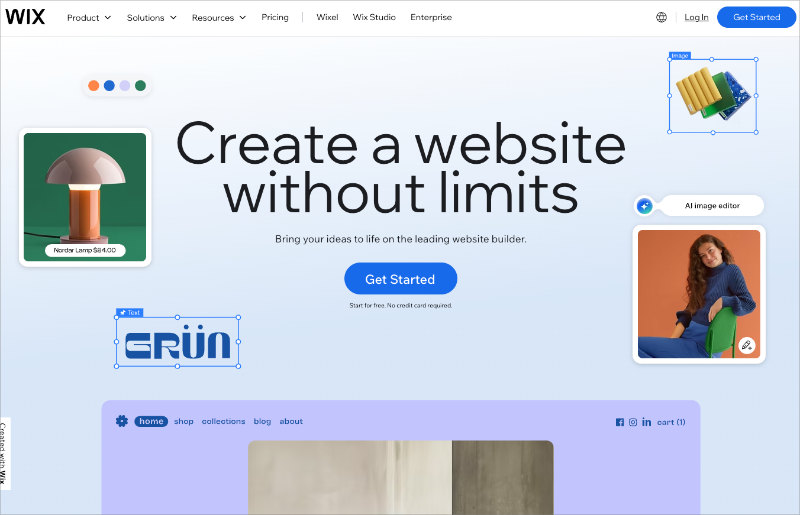
Wix is a hosted website builder that lets small businesses create full websites with drag-and-drop tools. You can add a blog to any Wix site through the Wix Blog app.
Wix was founded in 2006 and now has millions of users worldwide. It’s built for people who want a complete website with some blogging capability, rather than a dedicated blogging platform.
Pros
- Third-party templates and apps to customize your site.
- Quick setup with drag-and-drop tools.
Cons
- The free version shows Wix branding and has limited features.
- After picking a template, you can’t switch to a different one without rebuilding your site.
- The blogging features aren’t as strong as other platforms on this list.
Wix Pricing
Wix has a free plan with a Wix subdomain and Wix branding. Paid plans start at $17 per month (Light plan, billed annually).
My Verdict
Choose Wix if you’re a small business owner who needs a full website and wants to add a blog to it. Not the right pick if blogging is your primary focus, because the blog features lag behind dedicated platforms like WordPress.org.
Alternative: You might also like Weebly as an alternative to Wix.
Other Blogging Platforms Worth Considering
The platforms above cover most use cases, but a few others are worth knowing about depending on your goals.
- Blogger: Google’s free blogging platform has been around since 1999. It’s free with a blogspot.com subdomain, requires no hosting, and is simple enough for complete beginners. The trade-off is limited design, no growth path, and the perpetual risk that Google could shut it down. Best for casual personal blogging only.
- Weebly: Now owned by Square, Weebly is a beginner-friendly drag-and-drop builder with a free tier. It’s simpler than Wix and Squarespace, which can be an advantage for users who want to get something live quickly. Not the strongest option for serious bloggers, but solid for simple informational sites with a blog.
- Notion: Notion isn’t a traditional blogging platform, but it has a growing following among developers and knowledge workers who publish public notes and project logs. It works well for documentation-style blogs but has limited SEO tools and no native audience-building features.
- LinkedIn Articles: If your audience is professional and B2B, publishing long-form articles directly on LinkedIn puts your content in front of your professional network without maintaining a separate blog. It’s not a replacement for a website, but it’s a useful distribution channel for business bloggers.
- Beehiiv: A newsletter-first platform positioned as a direct competitor to Substack, Beehiiv is gaining traction with growth-focused writers because of its built-in referral program and more generous revenue terms. Worth considering if you’re comparing newsletter platforms and want to keep more of what you earn.
Blogging Platform FAQs
What’s the difference between WordPress.org and WordPress.com?
WordPress.org is the self-hosted, open-source software you download and install on your own web hosting account. You control everything: your files, your database, your plugins. WordPress.com is a hosted service run by Automattic, where they manage the server for you. WordPress.com is simpler to start, but WordPress.org gives you full ownership and no limitations on what your site can do. If you’re serious about blogging long-term, WordPress.org is the better choice.
Which blogging platform is best for making money?
WordPress.org is the best blogging platform for monetization because you own your content and audience completely. You can run any ad network, sell affiliate products, add a store, or build a membership site without anyone taking a cut. Ghost is a strong second if you want a clean newsletter with 0% platform fees on paid subscriptions. Platforms like Medium, Substack, and Tumblr either limit your monetization options or take a percentage of your revenue.
Is there a free blogging platform with no ads?
WordPress.org is technically free (open-source software) and ad-free, though you’ll pay for hosting. Among fully hosted free options, Tumblr is free and doesn’t show ads on your blog by default. WordPress.com’s free tier does show WordPress.com ads on your site. Medium doesn’t show third-party ads, but you can’t run your own ads either. For a genuinely ad-free free experience with no strings, Tumblr or a self-hosted WordPress.org install are the best options.
What blogging platform is best for beginners with no tech skills?
WordPress.com, Substack, and Medium are the easiest options for complete beginners. All three let you start writing within minutes of signing up, require no hosting setup, and handle all technical maintenance for you. Squarespace and Wix are also beginner-friendly if you want a more designed site. If you’re willing to spend 30 minutes on setup, WordPress.org with a managed hosting provider like Bluehost gives you the most long-term flexibility with a guided install process.
Can I move my blog from one platform to another?
Yes, but ease of migration varies significantly by platform. WordPress.org has built-in import and export tools, and most platforms (Medium, Blogger, Tumblr) have WordPress importers that handle posts and basic formatting. Moving from a proprietary builder like Wix, Squarespace, or Web.com is harder because their site designs don’t transfer cleanly. If you think you might switch platforms later, start on WordPress.org or a platform with open data export. Rebuilding a site is work you can avoid by choosing the right platform at the start.
Start Building Your Blog Today
For most bloggers, WordPress.org is the right answer. It gives you full ownership, unlimited room to grow, and no platform taking a cut of what you earn. Writers who want the simplest possible path should look at Substack or Ghost, depending on whether newsletter-first or blog-first matters more to you.
Once you pick a platform, the next question is how to set it up. If you go with WordPress.org, start with this step-by-step guide to starting a WordPress blog. And if you want your site to look great without touching code, SeedProd’s drag-and-drop builder is where most WordPress bloggers start.
While you’re here, you might also like the following posts:
- Best WordPress landing page plugins
- The 11 WordPress Plugins I Install on Every Site I Build
- Best blog WordPress themes for bloggers + writers
Thanks for reading! I’d love to hear your thoughts, so please feel free to join the conversation on YouTube, X and Facebook for more helpful advice and content to grow your business.



