

You start the day with your cell phone buzzing, and by lunch you can’t tell which calls are clients and which are your dentist. A missed business call is a missed lead, and your personal number is doing a job it was never meant to do.
A proper business phone system fixes that. It gives you one professional number, routes calls to whoever is free, and works from your desk, your laptop, or your phone.
I compared the best business phone systems for small teams on price, call quality, setup, and the AI features that actually matter in 2026. Here are the seven worth your time.
- What Are Business Phone Systems?
- How Did I Choose These Phone Systems?
- 1. RingCentral: Best All-Around for Growing Teams
- 2. Nextiva: Best for Value and Support
- 3. Ooma Office: Best for No-Contract Simplicity
- 4. Grasshopper: Best for Solopreneurs
- 5. Dialpad: Best for Built-In AI
- 6. Phone.com: Best for Tight Budgets
- 7. GoToConnect: Best for Call Centers
- What AI Features Should a Business Phone System Have in 2026?
- How to Put Your Business Number on Your WordPress Site
- What Is the Best Business Phone System for You?
- Best Business Phone System FAQs
What Are Business Phone Systems?
Business phone systems connect one main business number to multiple phones on a single network. Most run on voice-over-internet protocol (VoIP), so your number travels with you as long as you have a decent internet connection.
That beats handing out your personal cell or a single landline, which looks unprofessional and falls apart the moment two people need to answer calls. These are sometimes called business telephone systems, but the modern versions are cloud software, not a box on the wall.
With a real phone system, you get this kind of functionality:
- Track wait times, hold times, call duration, and overall usage.
- Call forwarding, international calling, inbound call routing, call recording, and caller ID.
- Share a single business number with multiple users at once (the auto-attendant feature routes calls to the first available team member).
- Use any device for incoming calls, from a desk phone to a cordless handset to your computer or mobile.
- Cheaper pricing, since the private branch exchange (PBX) equipment lives in the cloud instead of costing you upfront hardware.
Get those tools in one place and you can answer customers from anywhere, which is exactly how small teams compete with bigger ones.
Here’s how the seven systems stack up at a glance:
| Phone System | Starting Price | Free Trial | Best For | Rating |
|---|---|---|---|---|
| RingCentral | $20/user/mo (annual) | Yes (14 days) | All-around best for growing teams | 4.3/5 (G2) |
| Nextiva | $15/user/mo (annual) | Yes (7 days) | Value and customer support | 4.5/5 (G2) |
| Ooma Office | $19.95/user/mo | No (30-day money-back) | No-contract simplicity | 4.4/5 (Capterra) |
| Grasshopper | $14/mo (annual, flat) | Yes (7 days) | Solopreneurs and very small teams | 4.0/5 (FitSmallBusiness review) |
| Dialpad | $15/user/mo (annual) | Yes (14 days) | Built-in AI on every plan | 4.4/5 (G2) |
| Phone.com | $11.99/user/mo | No (30-day money-back) | Tight budgets and low call volume | 3.6/5 (Capterra) |
| GoToConnect | ~$26/user/mo | Yes (14 days) | Call centers and heavy collaboration | 4.4/5 (G2) |
How Did I Choose These Phone Systems?
I researched and compared each of these systems against the same set of criteria, pulling pricing from each provider’s live page and ratings from third-party review sites. I also read through the user reviews on G2, Capterra, and TrustRadius to see what real customers flag.
Here’s what I weighed:
- Call quality and reliability: VoIP runs on your internet, so uptime and a stable connection matter more than anything else on this list.
- Pricing transparency: a clear per-user price, ideally without a long contract or surprise fees.
- Setup time: how fast a non-technical owner can get a number live and taking calls.
- Mobile app: whether you can take business calls from your phone without sharing your personal number.
- Integrations: connections to the CRM, helpdesk, and tools you already use.
- AI features: call transcription, summaries, and receptionists, plus what the system does with them.
One thing to know about VoIP is that it depends on your internet. If your connection drops, so does your phone, which is why a backup mobile data plan matters for a fully remote team.
I focused on hosted cloud systems because they suit most small teams who don’t want to run their own server. If you have the technical resources, self-hosted options like 3CX and other cloud PBX setups come up often on Reddit, but they ask for setup work most owners would rather skip.
1. RingCentral: Best All-Around for Growing Teams
| Pricing | From $20/user/mo (Core, billed annually) |
| Free Trial | 14-day free trial |
| Standout Features | 🔹 Unlimited US/Canada calls 🔹 Auto-attendant and call queues 🔹 Video meetings up to 100 people 🔹 CRM integrations on higher tiers |
| Rating | 4.3/5 on G2, 3,000+ reviews |
| Best For | Teams that expect to grow and want one platform for everything |
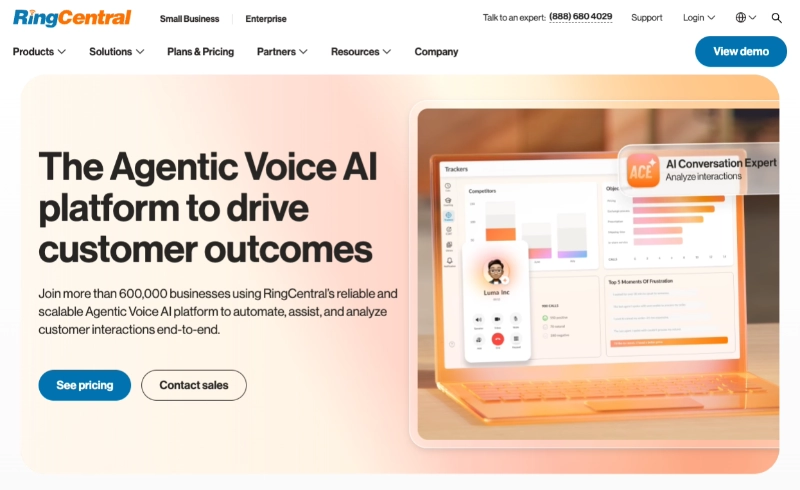
RingCentral is the closest thing to an all-rounder on this list. Comparing its plans, it packs in calling, messaging, and video without forcing you onto the most expensive tier to get the basics, and reviewers consistently single out voice quality as a strength.
The Core plan covers unlimited calls across the US and Canada, voicemail-to-text, call queues, and an auto-attendant. Higher tiers add automatic call recording and CRM connections to HubSpot, Salesforce, and Zendesk.
It works for a physical office and a remote setup alike. You can use existing compatible handsets or just run the mobile app on any smartphone, so a new hire is taking calls the same day.
Pros
- Strong feature set even on the entry plan
- Calling, messaging, and video in one app
- Scales cleanly as you add users
Cons
- Entry price only applies to annual billing
- Core plan caps SMS and has no automatic call recording
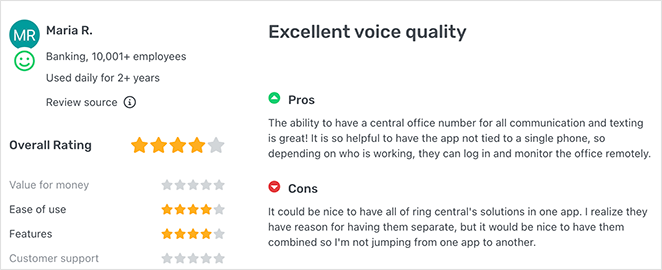
Customer review: “Excellent voice quality. The ability to have a central office number for all communication and texting is great! It is so helpful to have the app not tied to a specific device.” via GetApp.
My Verdict: If you don’t want to overthink the decision, RingCentral is the safe pick. It does almost everything well and grows with you, which is worth the slightly higher entry price than the budget options below.
2. Nextiva: Best for Value and Support
| Pricing | From $15/user/mo (Core, billed annually) |
| Free Trial | 7-day free trial |
| Standout Features | 🔹 Advanced call routing and IVR 🔹 Voicemail to email and text 🔹 Free local or toll-free number with porting 🔹 CRM, live chat, and survey tools |
| Rating | 4.5/5 on G2, 3,500+ reviews |
| Best For | Owners who want low pricing without thin support |
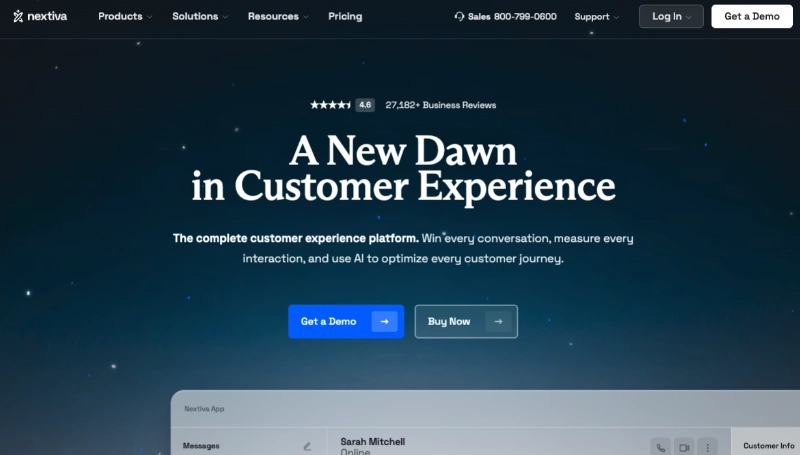
Nextiva is the value play that doesn’t feel cheap. Comparing the entry plans, its per-user price is the lowest among the bigger providers here, and across the reviews I read, support and easy setup come up again and again.
You get a free local or toll-free number, number porting, and an advanced interactive voice response (IVR) system out of the gate. Step up a tier and you reach live chat, CRM integration, online surveys, and call analytics that work as one connected platform.
It integrates with Google Workspace, Zendesk, Slack, and more, and it can take business calls on both iOS and Android without exposing your personal cell. Many call centers also use Nextiva to move off old PBX hardware onto cloud phone systems with SIP trunking.
Pros
- Lowest entry price of the full-featured providers
- Frequently praised, easy-to-reach support
- Sells and rents hardware if you want desk phones
Cons
- $15 price needs a 12-month contract and annual billing
- Month-to-month pricing jumps noticeably
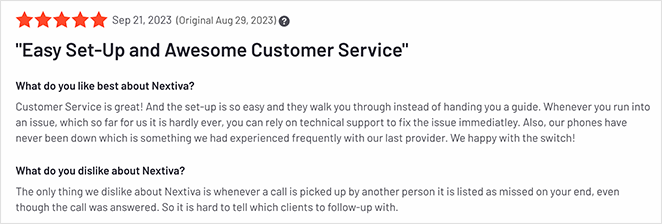
Customer Review: “Customer Service is great! The set-up is so easy, and they walk you through instead of handing you a guide. Whenever you run into an issue, which so far has been rare, they are quick to assist.” via G2.
My Verdict: Pick Nextiva when budget is tight but you still want a real provider behind you. The trade-off is the annual contract, so it suits teams confident they’ll stick with one system for the year.
3. Ooma Office: Best for No-Contract Simplicity
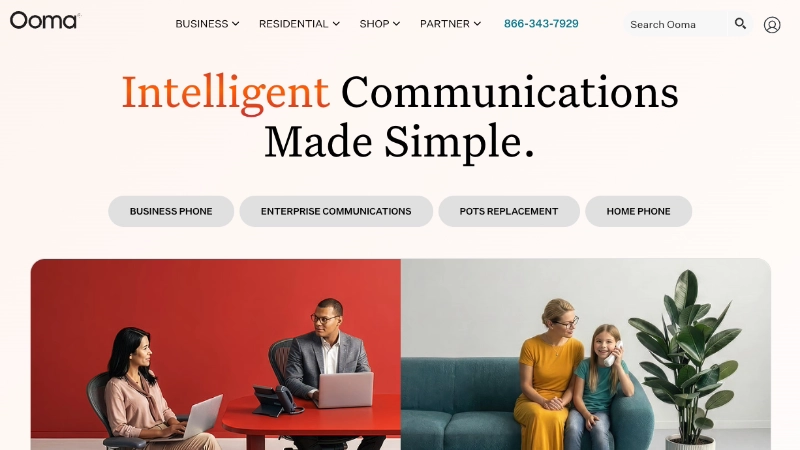
| Pricing | From $19.95/user/mo (Essentials, month-to-month) |
| Free Trial | No trial, 30-day money-back guarantee |
| Standout Features | 🔹 Virtual receptionist 🔹 Call transfer, forwarding, and blocking 🔹 Voicemail with audio email attachments 🔹 Full-featured mobile app with business call alerts |
| Rating | 4.4/5 on Capterra, 240+ reviews |
| Best For | Owners who want simple setup and no contract |
Ooma is the no-strings option. It offers affordable pricing, no contracts, and unlimited calling in the US and Canada, and reviewers repeatedly note that setup is quick and beginner-friendly.
You get over 35 features, a free local or toll-free number, and the option to keep your existing number. The mobile app flags incoming calls as business calls, so you always know whether to answer in your work voice.
It also handles the practical stuff well, with quick call transfers to a co-worker’s voicemail, video conferences for remote teammates, and call recording so you don’t miss details.
Pros
- No contract, month-to-month billing
- Genuinely fast, beginner-friendly setup
- Clear business-vs-personal call alerts
Cons
- Video conferencing and transcription need the Pro plan ($24.95/mo)
- No free trial, only a money-back window
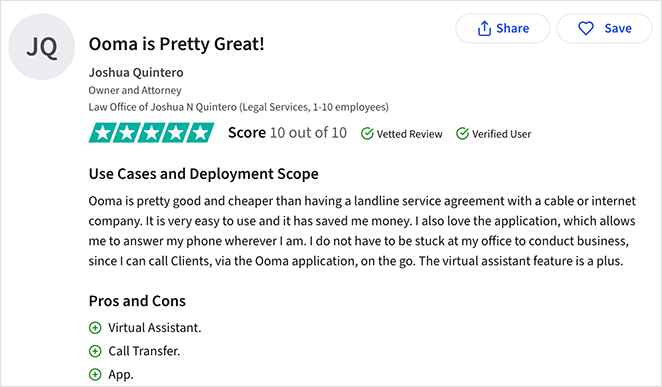
Customer Review: “Ooma is pretty good and cheaper than having a landline service agreement with a cable or internet company. It is very easy to use and it has saved me money.” via TrustRadius.
My Verdict: Ooma earns its place for anyone who hates being locked in. You trade a few advanced features on the entry plan for the freedom to cancel any month, which is a fair deal for a cautious first-timer.
4. Grasshopper: Best for Solopreneurs
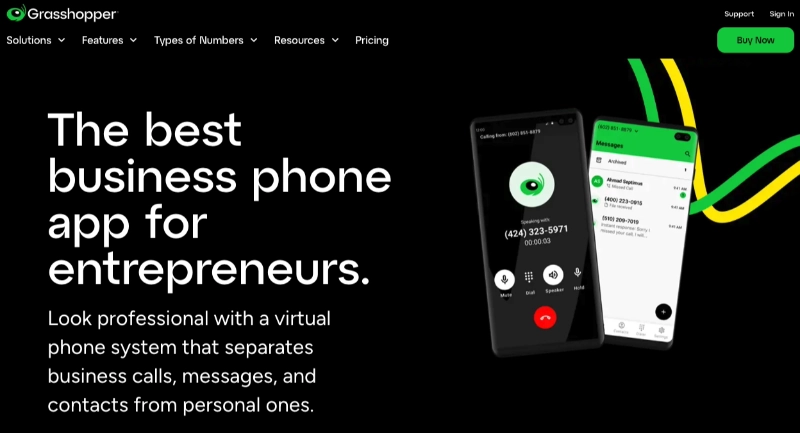
| Pricing | From $14/mo (True Solo, billed annually, flat per account) |
| Free Trial | 7-day free trial |
| Standout Features | 🔹 Flat per-account pricing, not per user 🔹 Local, vanity, and toll-free numbers 🔹 Multiple extensions on one number 🔹 Automatic call transcripts to email |
| Rating | 4.0/5 (FitSmallBusiness review) |
| Best For | Solopreneurs and very small teams on one number |
Grasshopper is built for the one-person business that wants to look bigger. Looking at how it works, it gives you a virtual phone number that forwards to any phone, so you keep work and personal calls separate without a second device.
The web and mobile apps are easy to manage, and you can run several extensions plus local, vanity, and toll-free numbers off a single account. Because it charges per account rather than per user, a small team can share it without the price climbing.
The trade-off is that it’s a layer over your existing phone line for outgoing calls, not a full replacement system. For a freelancer or a two-person shop, that’s usually enough.
Pros
- Flat pricing that doesn’t scale per user
- Cheapest entry point on this list
- Vanity and toll-free numbers included
Cons
- Not a full VoIP system for outbound calling
- Lighter feature set than the bigger providers
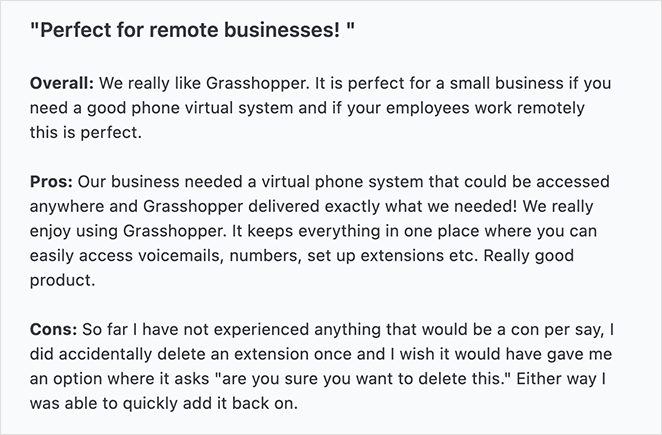
Customer Review: “We really enjoy using Grasshopper. It keeps everything in one place where you can easily access voicemails, numbers, set up extensions, etc. Really good product.” via Capterra.
My Verdict: Grasshopper is the one I’d point a solo founder toward first. It’s the cheapest way to get a professional number without paying for call-center features you’ll never open.
5. Dialpad: Best for Built-In AI
| Pricing | From $15/user/mo (Standard, billed annually) |
| Free Trial | 14-day free trial |
| Standout Features | 🔹 Live call transcription on every plan 🔹 Automated call summaries 🔹 Real-time call coaching and sentiment 🔹 AI built in, not a paid add-on |
| Rating | 4.4/5 on G2, 4,700+ reviews |
| Best For | Teams that want AI features without a premium tier |
Dialpad is the system to look at if AI is the reason you’re shopping. Comparing the plans, where most providers reserve transcription and summaries for their top tier, Dialpad includes them from the $15 Standard plan.
Its AI transcribes calls live, writes a summary when the call ends, and reads sentiment so a manager can step in. For a sales or support team, that means notes get written for you instead of after hours.
It still covers the standard calling, messaging, and video you’d expect. The difference is that the AI moves from a bolt-on to the default, which is where this category is heading.
Pros
- AI transcription and summaries on the entry plan
- Real-time coaching for sales and support teams
- Competitive starting price for what’s included
Cons
- Dedicated contact-center and sales products cost much more
- Monthly billing is significantly higher than annual
My Verdict: Dialpad is worth a serious look for any team that lives on the phone and wants the call notes handled automatically. If AI features aren’t a priority, you can save by choosing a simpler system above.
6. Phone.com: Best for Tight Budgets
| Pricing | From $11.99/user/mo (Basic) |
| Free Trial | No trial, 30-day money-back guarantee |
| Standout Features | 🔹 Caller ID, forwarding, and transfer 🔹 Conference calls 🔹 Calls to Canada and several EU countries 🔹 Zoho and Salesforce integrations |
| Rating | 3.6/5 on Capterra, 70 reviews |
| Best For | Low call volume on the smallest possible budget |
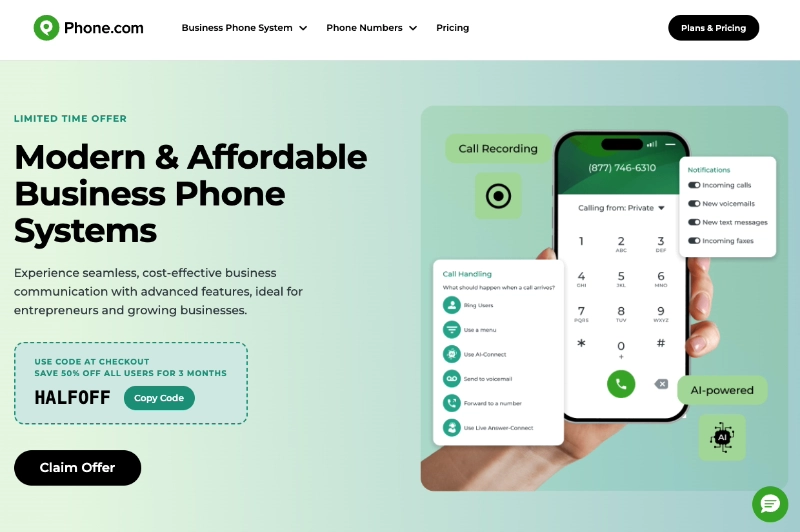
Phone.com is the bare-bones budget choice for a business that doesn’t spend all day on calls. Comparing the pricing, its Basic plan is the lowest per-user price here, though its ratings are the most mixed of the group, with reviews split between satisfied users and one-star complaints.
You still get the core tools: caller ID, call forwarding, call transfer, and conference calls. Its call minutes cover Canada and several European countries, which makes occasional international calling cheaper than rivals.
You can also connect it to CRM software like Zoho and Salesforce. The catch is that the cheapest plan is metered, so heavy callers will want the unlimited tier instead.
Pros
- Lowest starting price on the list
- Cheaper international calling to Canada and the EU
- Pick metered or unlimited to match your usage
Cons
- Entry plan is metered, not unlimited
- Fewer advanced features than the bigger providers
- Lowest ratings here, with reviewers flagging mixed reliability and choppy call audio
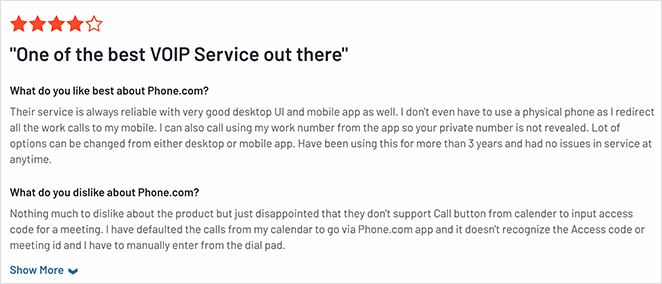
Customer Review: “Their service is always reliable with a very good desktop UI and mobile app as well. I don’t even have to use a physical phone as I redirect all the work calls to my mobile.” via G2.
My Verdict: Phone.com fits the business watching every dollar with light call volume, but go in with eyes open. It carries the lowest rating of the seven, and its reviews are genuinely polarized, so treat it as the bare-bones budget pick rather than a system you’d lean on for heavy daily calling.
7. GoToConnect: Best for Call Centers
| Pricing | From ~$26/user/mo (Phone System, quote-based) |
| Free Trial | 14-day free trial |
| Standout Features | 🔹 100+ cloud VoIP features 🔹 Unlimited call queues and ring groups 🔹 Video conferencing built in 🔹 Salesforce, Zendesk, HubSpot, and more |
| Rating | 4.4/5 on G2, 1,389 reviews |
| Best For | Call centers and teams that need heavy collaboration |
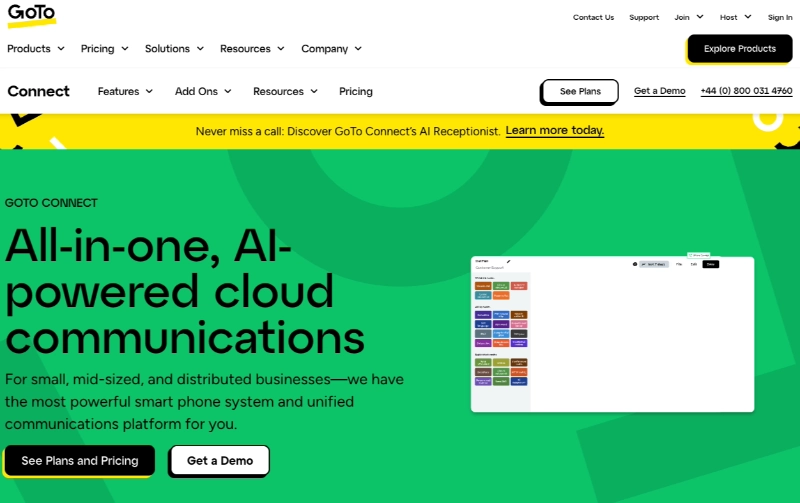
GoToConnect, once known as Jive, is the heavyweight here. Looking at its feature list, it’s a cloud-based system with over 100 VoIP features, which is more than most small teams will ever touch.
It covers the standard calling, messaging, and SMS, then adds unlimited call queues, advanced ring groups, and a cloud branch exchange for busier operations. Video conferencing is built in, so it doubles as a team collaboration tool.
It integrates with Salesforce, Outlook, Zoho, Zendesk, HubSpot, Google Workspace, and Slack, and it plugs into the wider GoTo family like GoToMeeting and GoToWebinar. One caution: GoTo now quotes pricing through sales rather than listing it openly, so confirm the current rate before you sign.
Pros
- Deep feature set for call queues and routing
- Strong integration lineup
- Built-in video conferencing
Cons
- Pricing is now quote-based, not transparent
- More than a small team needs
Customer Review: “The one thing I don’t have to worry about in my office is the phone service. The phones are there and the call flow helps my business run smoothly.” via GetApp.
My Verdict: GoToConnect is the right call if you’re running a busy support line or call center that needs serious routing. For a small team, it’s more system than you’ll use, and the opaque pricing is a downside worth weighing.
What AI Features Should a Business Phone System Have in 2026?
AI call transcription is now table stakes, not a luxury. Leading systems turn calls into searchable text in real time, and accuracy now sits in the 85 to 99% range, close to a human transcriptionist (according to Smith.ai).
The real differentiator is what the system does with that transcript. Look for three things in 2026:
- Call transcription: a live, accurate text record you can search and reference later.
- Call summaries: an automatic recap of what was said and what to do next, so no one writes notes by hand.
- AI receptionists: automated answering that routes or handles calls when your team can’t pick up.
Dialpad leads here by including transcription, summaries, and coaching on its entry plan. RingCentral and Nextiva offer AI features too, though often on higher tiers, while the budget options like Phone.com and Grasshopper keep AI lighter.
If your team handles a lot of calls, the time saved on note-taking alone can justify a system with AI built in.
How to Put Your Business Number on Your WordPress Site
Once you’ve picked a system, the next step is making your number easy to find. The simplest win is a click-to-call link on your site, so a visitor on their phone can tap to dial instead of copying digits.
If you run a WordPress site, you can add one in a few minutes. I’ve walked through the exact steps in this guide on how to make a click to call link in WordPress.
It pairs well with a clean contact page that puts your number, hours, and a contact form in one place. That way every channel points back to the same professional number you just set up.
Got your number? Build the page for it
Build a contact page that shows off your new business number
SeedProd’s drag-and-drop builder lets you add a click-to-call link, contact form, and hours to a clean page in minutes, no code needed.
I want to build my contact pageWhat Is the Best Business Phone System for You?
After comparing all seven, RingCentral is the best all-around pick, with Nextiva a close second on value. RingCentral has a low entry price, a smooth interface, and the features most teams grow into.
If AI is your priority, Dialpad is the standout, and solo founders will do well on Grasshopper. The truth is you can’t go far wrong with any system on this list, so match the pick to your call volume and budget.
What to Do Right Now
Don’t try to decide everything today. Shortlist two systems from the comparison table that fit your budget and team size.
Then start a free trial on your top choice and make a few real calls before you commit. If you’re moving off an old number, ask about porting it over so customers never notice the switch.
Best Business Phone System FAQs
Here are some of the most common questions about business phone systems and providers.
How much does a business phone system cost per user in 2026?
Most business phone systems start between $12 and $26 per user per month in 2026, billed annually. Budget options like Phone.com begin around $11.99, while full-featured providers like RingCentral and GoToConnect sit at the higher end.
Watch for the billing terms. The lowest advertised prices usually require an annual contract, and month-to-month billing can run 30% or more higher.
Do business phone systems include AI features like call transcription or an AI receptionist?
Many do, but not always on the entry plan. Dialpad includes live transcription and call summaries from its $15 tier, while providers like RingCentral and Nextiva often reserve AI features for higher plans.
If AI matters to you, check which tier unlocks transcription and summaries before you sign up, since that’s where prices can climb.
Which business phone system is best for a fully remote team?
RingCentral and Dialpad both suit fully remote teams well, since they run from any device through a mobile and desktop app. Each lets staff take business calls on personal phones without sharing their own number.
Because VoIP depends on internet, a remote team should also plan for backup connectivity so a dropped connection doesn’t take the phones down with it.
Can I connect a business phone number to my WordPress site?
Yes. The easiest way is a click-to-call link, which lets mobile visitors tap your number to dial instead of copying it.
You can add one in a few minutes with a WordPress website builder like SeedProd, then place it on your contact page alongside your hours and a contact form.
I hope this comparison helped you find the best business phone system for your team.
Thanks for reading! We’d love to hear your thoughts, so please feel free to join the conversation on YouTube, X and Facebook for more helpful advice and content to grow your business.



