
Brevo (formerly Sendinblue) is a widely-used email marketing platform that lets you manage campaigns and grow your subscriber list. This guide walks you through connecting Brevo to the SeedProd Optin Form block so new subscribers are automatically added to your Brevo account.
Step 1: Open the Connect Tab
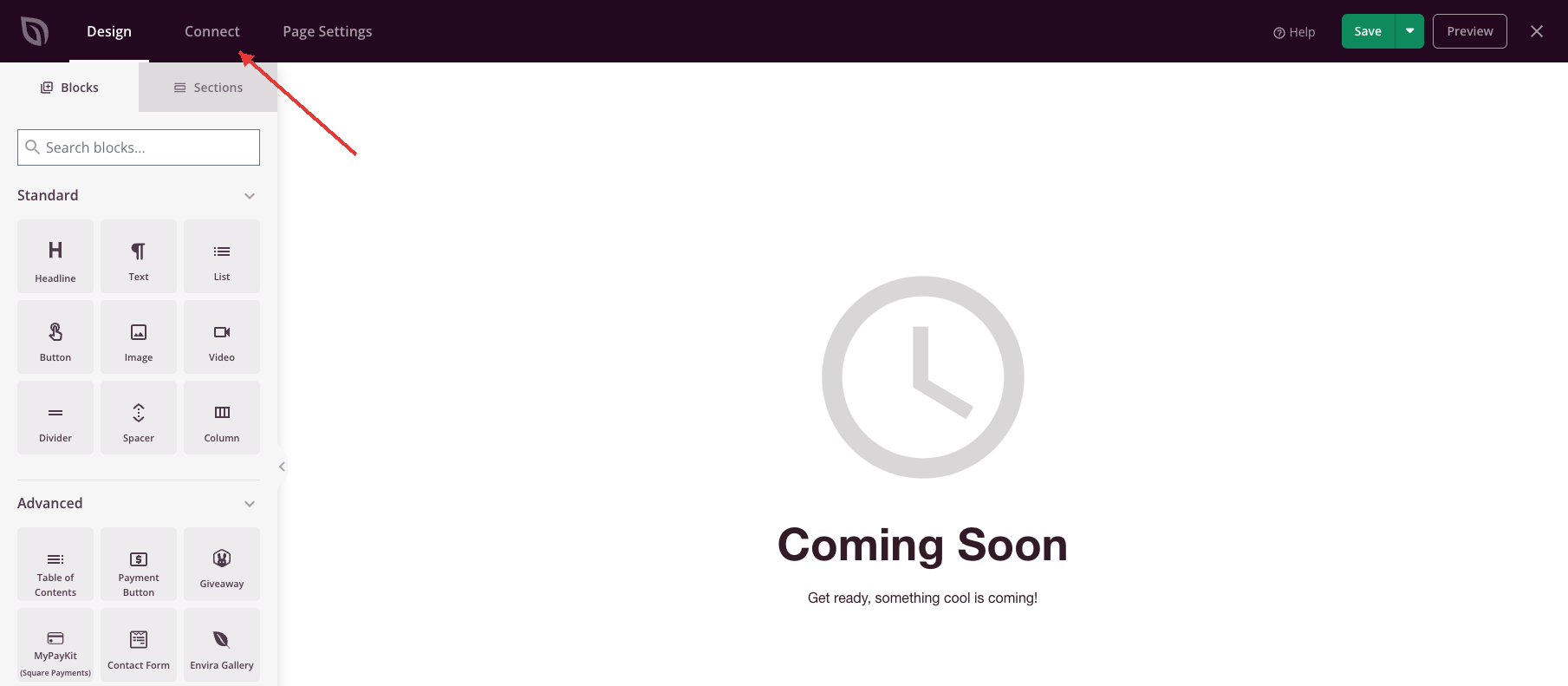
Open your page in the SeedProd builder and click the Connect tab at the top.
Step 2: Select Brevo
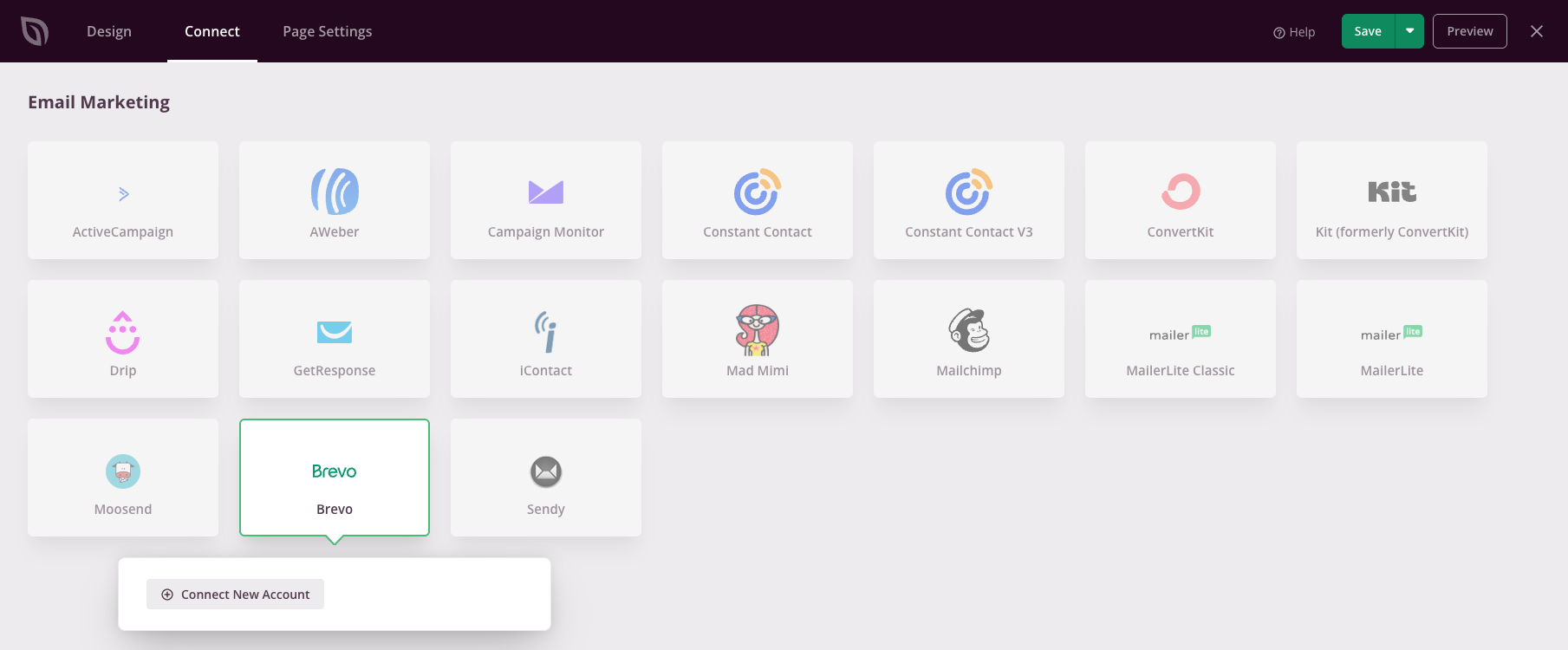
In the Email Marketing list, click Brevo. Then click Connect New Account.
Step 3: Get Your Brevo API Key
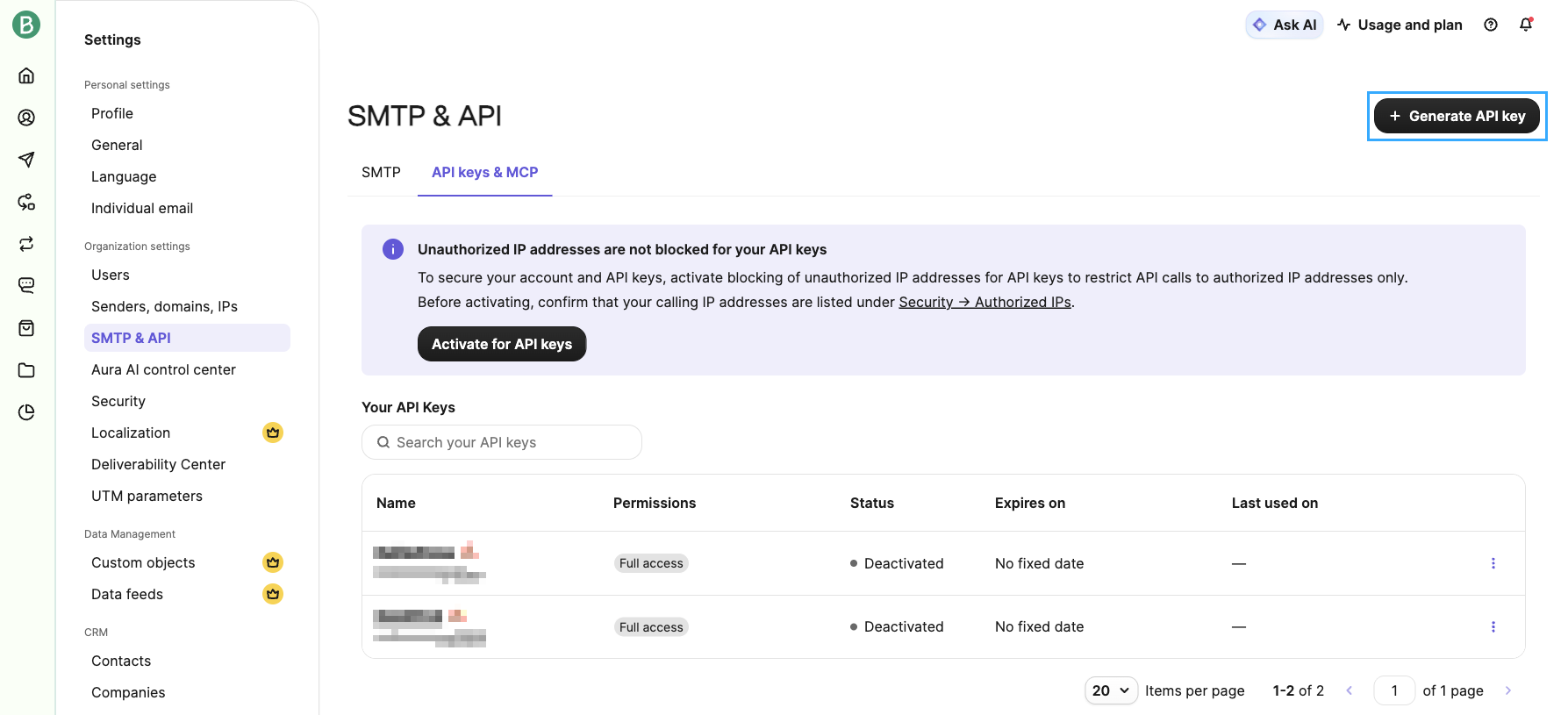
In Brevo, go to Settings > SMTP & API and open the API keys & MCP tab. Click Generate API key and give the key a name. For access, choose Full, or choose Restricted and set Contacts to All. Then generate the key and copy it.
Brevo keys expire on the date you pick and after 90 days without use. If the key expires, new subscribers stop reaching Brevo.
Step 4: Enter Your API Key and Connect
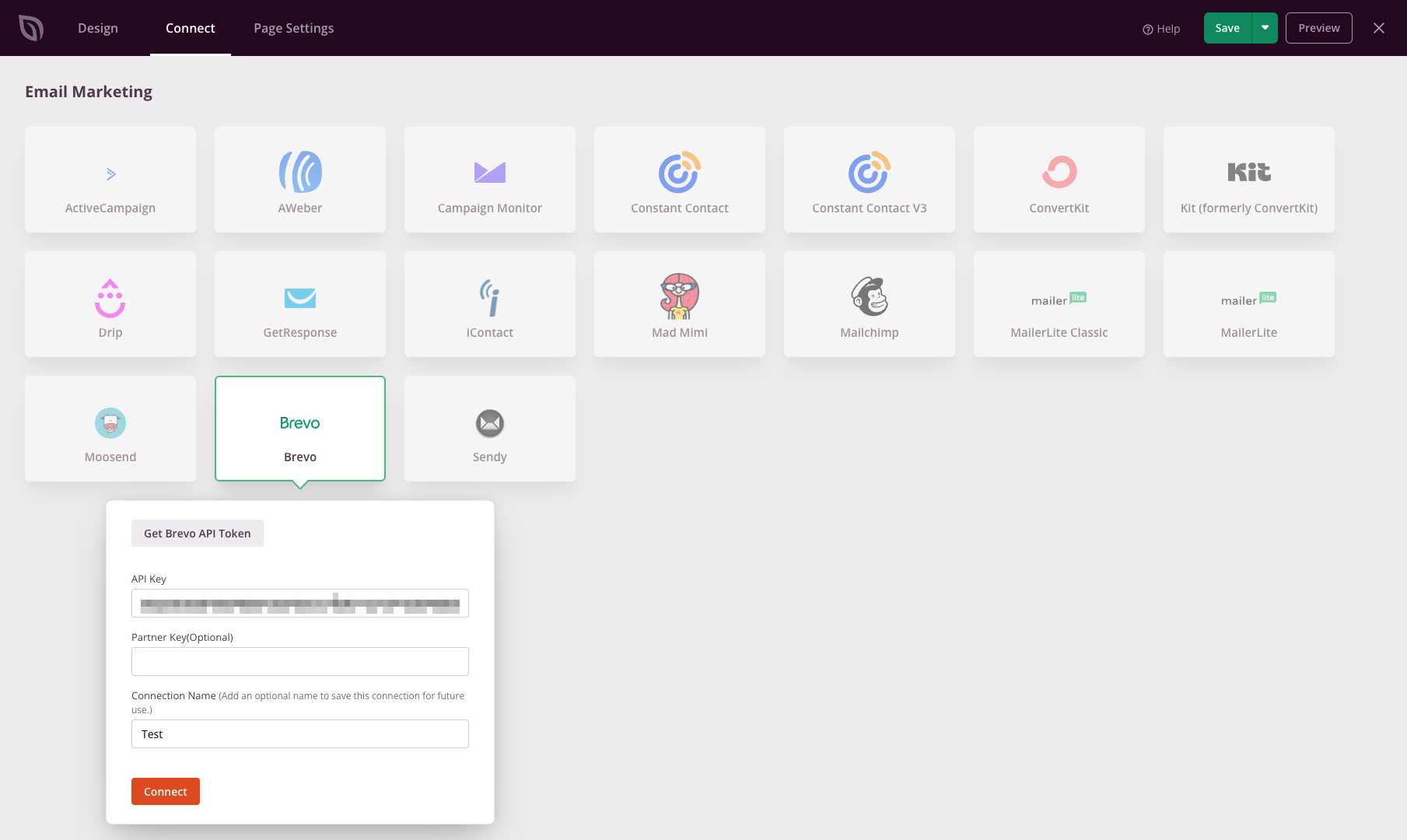
Back in SeedProd, paste the key into the API Key field. Leave Partner Key empty, because SeedProd only needs your API key. To save this connection for future use, type a Connection Name. Then click Connect.
Step 5: Choose Your List and Save
SeedProd loads your Brevo lists. Select a list from the Lists menu and click Save Integration Details.
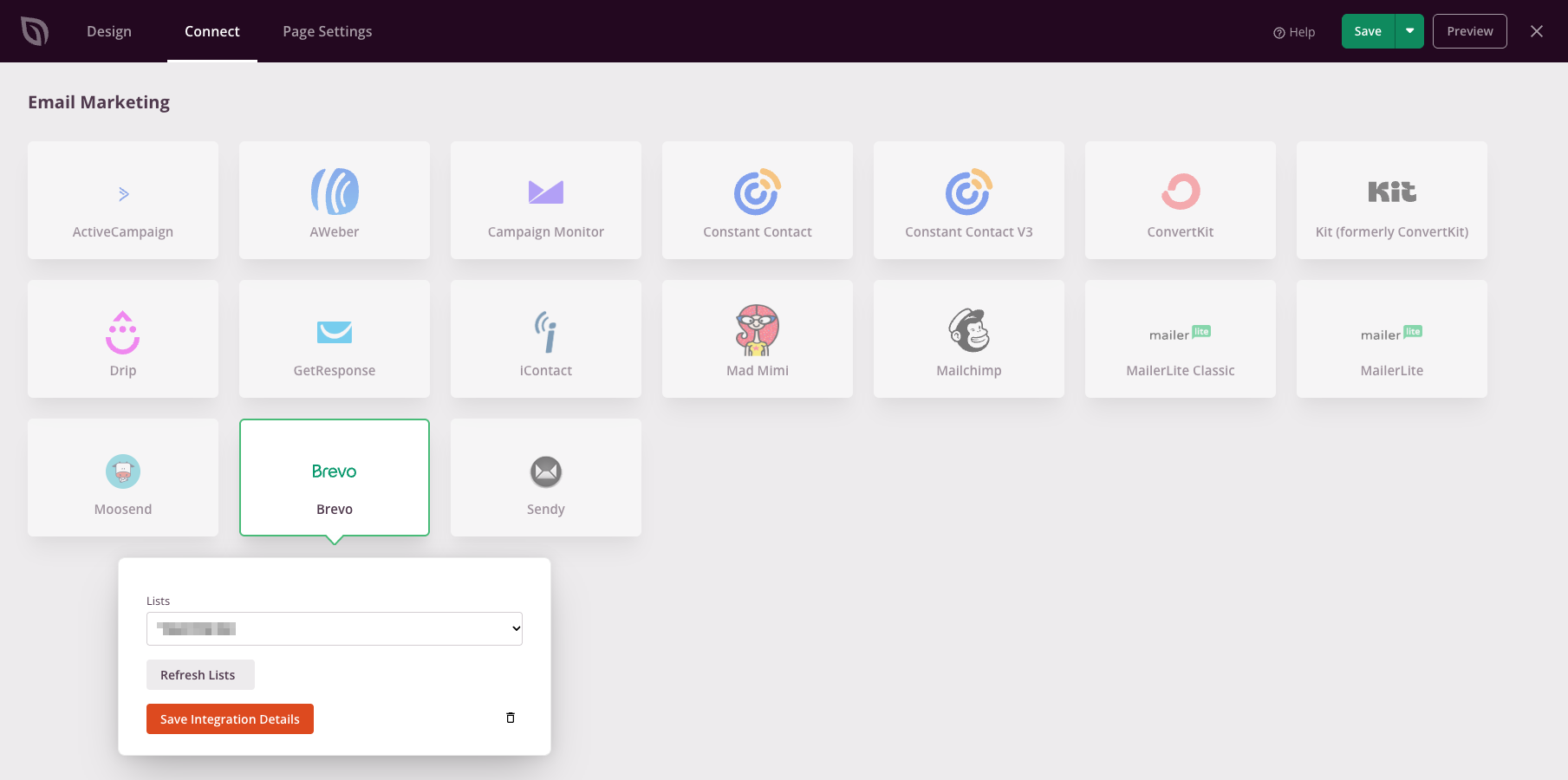
Brevo is now connected. When a visitor submits the Optin Form block on this page, SeedProd adds them to the list you chose.