
SeedProdを使えば、以前からWooCommerceのショッピングカートページをカスタマイズできましたが、今回、ページビルダーでカートページを直接編集できるよう、その機能を改善しました。
ショッピングカートページのカスタマイズ
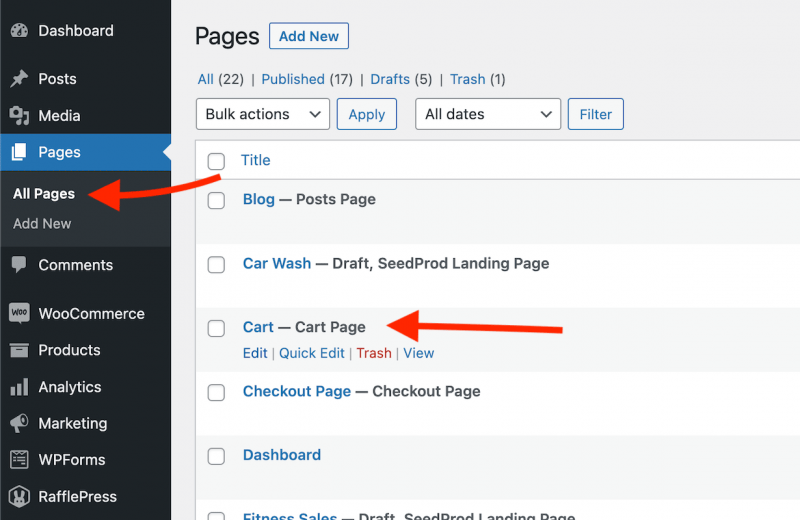
- While on your WP admin dashboard, go to Pages > All Pages, then open the assigned WooCommerce Cart page in the default WP editor.
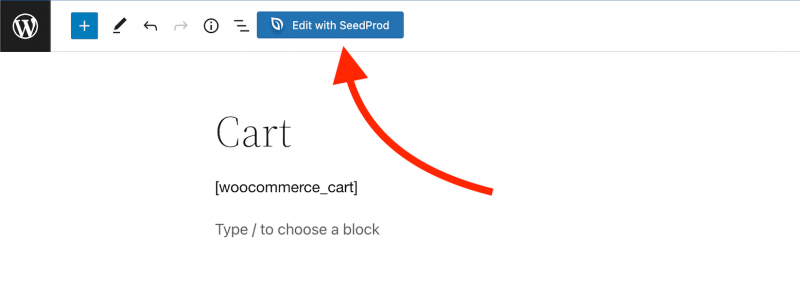
- Click on the Edit with SeedProd button on the top toolbar to edit this page in SeedProd.
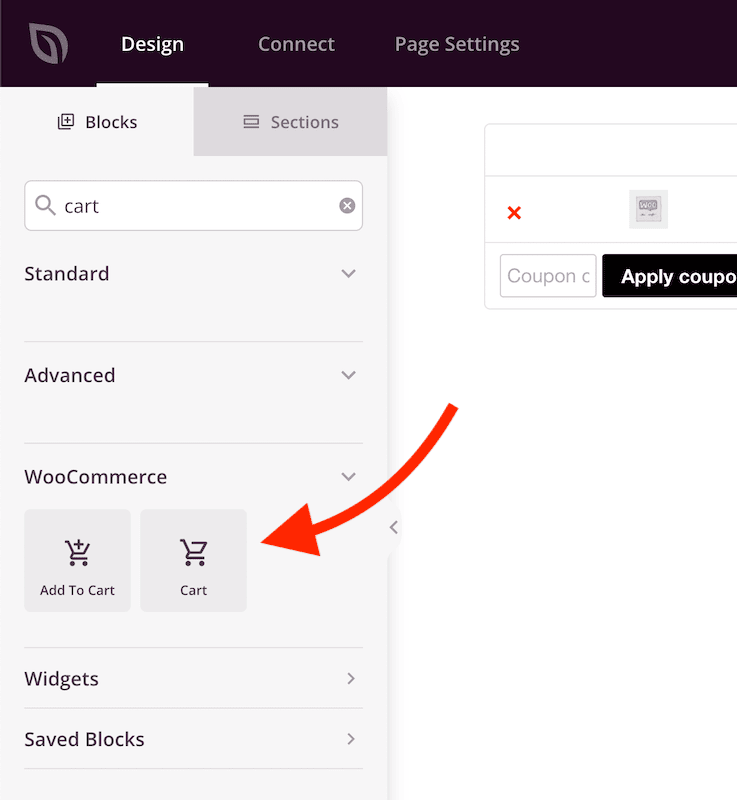
- In the SeedProd builder, remove the Text block with the [woocommerce_cart] shortcode and add the Cart block.
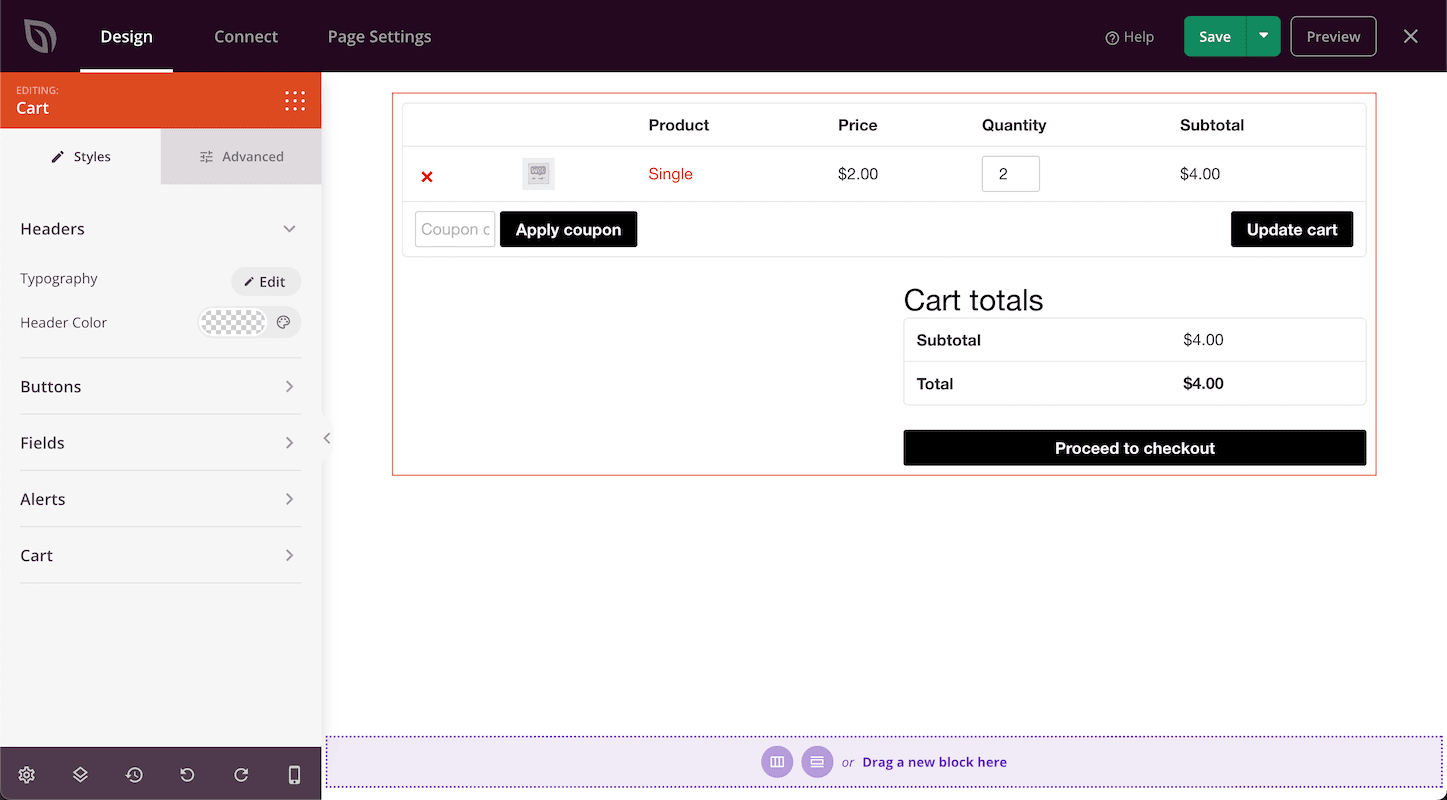
- Design your Cart section with the available styling options in the Cart block settings. You can also add other WooCommerce blocks (such as the Upsell block) to suggest others products shoppers may like.
- 完了です! カート放棄率は80%にも達するため、カスタマイズされたカートページは、顧客エンゲージメントを高めるのに最適なページです。