
The SeedProd builder includes two preview tools that let you check how your page looks before publishing: a Live Preview that shows the page as visitors will see it, and a Mobile Device Preview that lets you switch between desktop and mobile views.
Live Preview
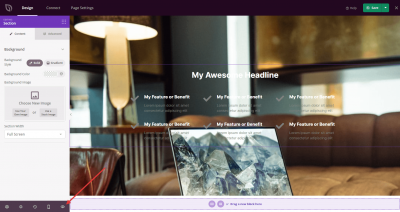
Live Preview shows you exactly how your page will appear to visitors before you save or publish any changes. To open it, click the Eye icon in the builder toolbar.
Mobile Device Preview
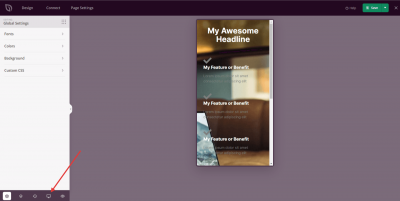
Mobile Device Preview lets you check how your page looks on a mobile screen. Click the Mobile icon in the builder toolbar to switch to the mobile view.
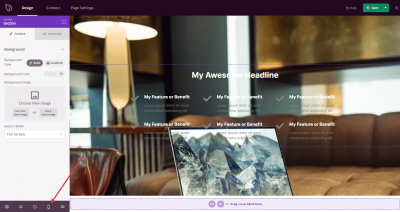
To return to the desktop view, click the Desktop icon in the toolbar.
Use both preview modes while building to ensure your page looks great on every device before saving or publishing your changes.