
商品サムネイルブロックは、単一商品テンプレート内で機能し、各商品のサムネイル画像を動的に表示します。
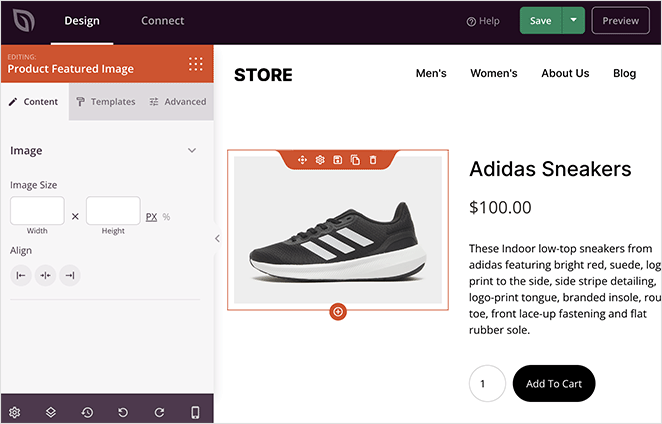
商品テンプレートに商品サムネイルブロックを統合する
商品サムネイルブロックを商品テンプレートに統合するには、次の手順に従ってください。
- Go to Design > Blocks > WooCommerce Template Tags > Product Featured Image, and then drag and drop the Product Featured Image block onto your page.
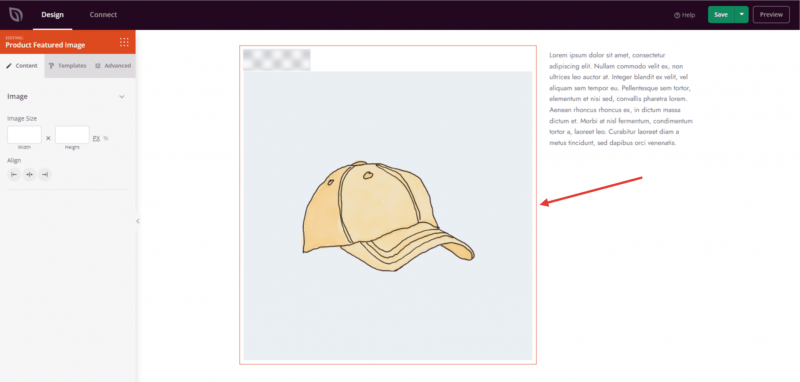
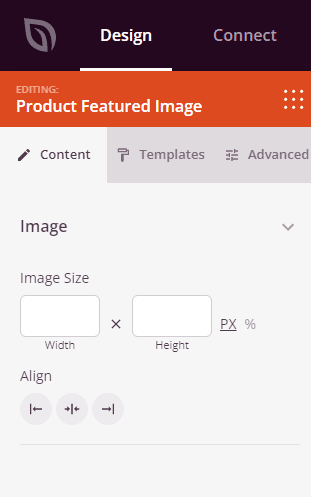
- Once added, click on the Product Featured Image block to access its settings. Here, you can specify the image size and alignment.
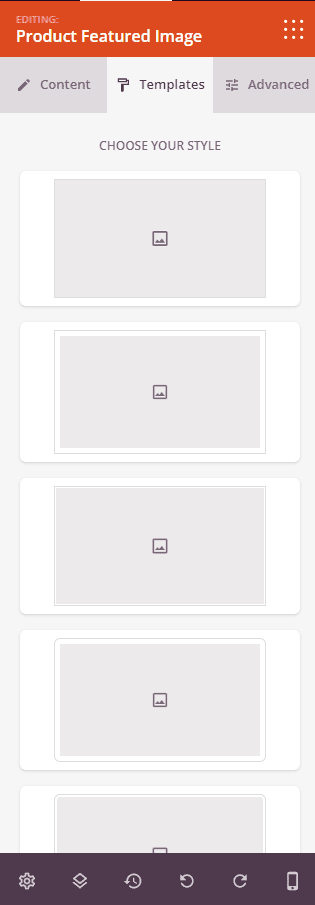
- Under the Templates tab, you can choose a template to apply distinct styles to the featured image of the product.
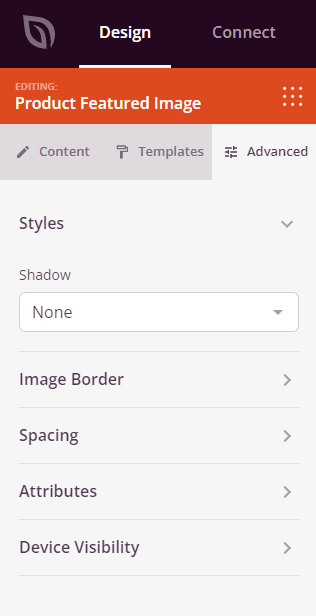
- Within the Advanced tab, you will discover additional options to incorporate varied styles, image borders, spacing, attributes, and device visibility adjustments.
- すべての変更と設定を保持するために、進捗状況を保存してください。
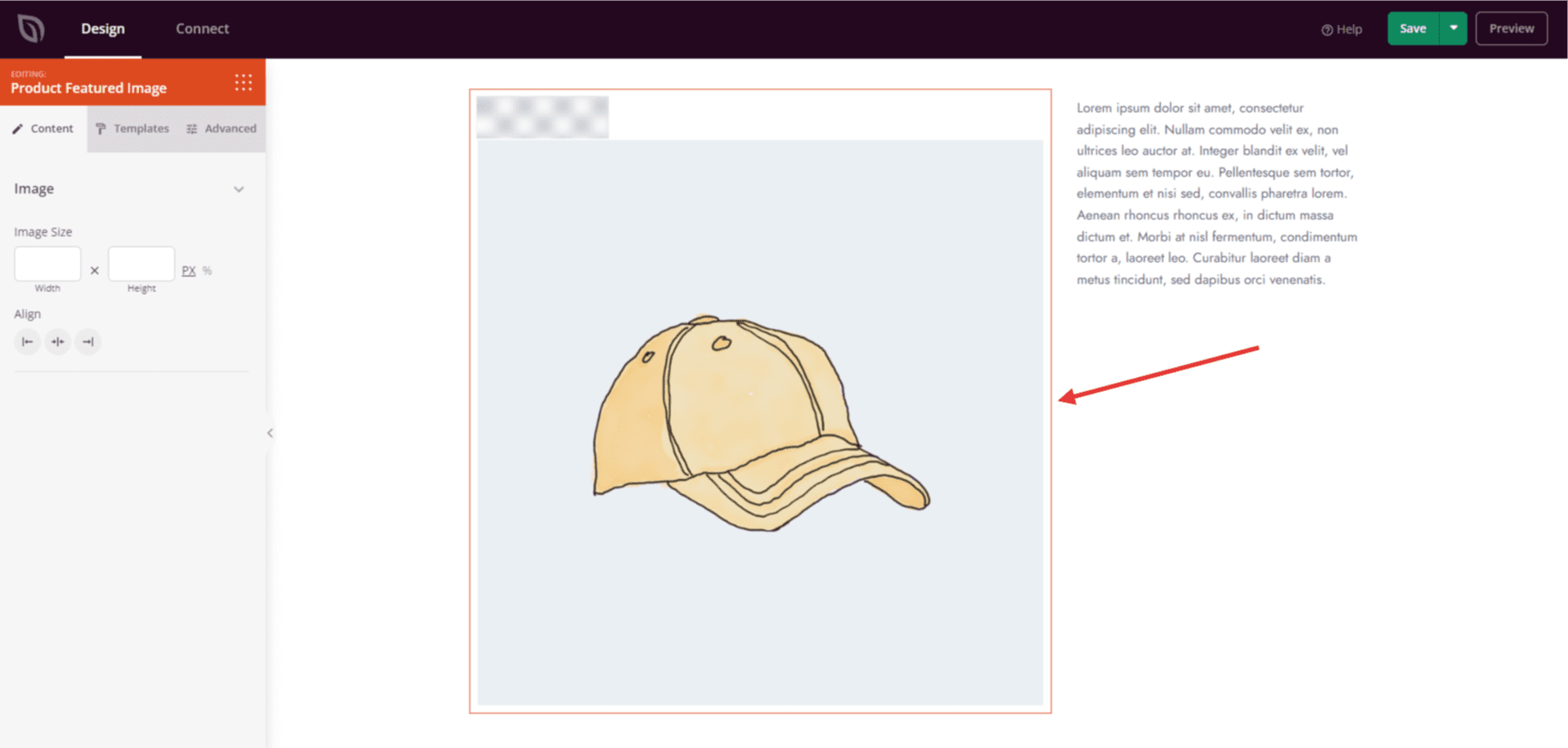
これで完了です!これらの手順に従うことで、商品サムネイルブロックを商品テンプレートに組み込み、商品の視覚的表現を向上させることができます。