
Les sections sont des mises en page de lignes et de blocs pré-construites que vous pouvez ajouter à n'importe quelle page SeedProd en un seul clic. Au lieu de construire des mises en page courantes à partir de zéro, vous pouvez parcourir la bibliothèque de sections et insérer un design prêt à l'emploi, puis le personnaliser pour qu'il corresponde à votre marque.
Catégories de sections disponibles
La bibliothèque de sections est organisée dans les catégories suivantes :
- Appel à l'action
- FAQ
- Fonctionnalité
- Pied de page
- En-tête
- Héro
- Enregistrées — sections que vous avez enregistrées à partir de pages précédentes
- Favoris — sections que vous avez marquées comme favorites
Ajouter une section à votre page
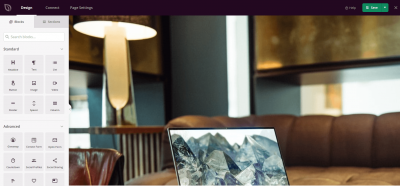
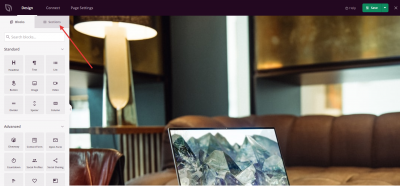
Commencez avec une page vierge ou une mise en page existante dans le constructeur SeedProd. Cliquez sur l'onglet Sections dans le panneau de gauche pour ouvrir la bibliothèque de sections.
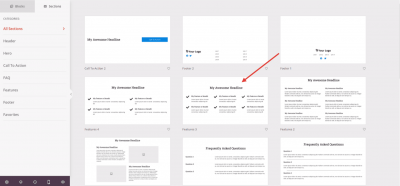
Parcourez les modèles de sections disponibles par catégorie. Cliquez sur n'importe quel modèle pour l'insérer directement dans votre page.
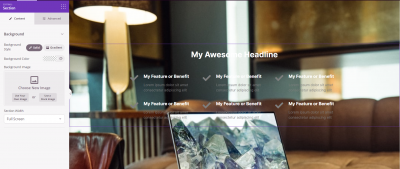
La section est ajoutée à votre page immédiatement et est entièrement modifiable. Cliquez sur n'importe quel bloc à l'intérieur pour ajuster le contenu, le style ou la mise en page.
Une fois que vous avez ajouté et personnalisé votre section, cliquez sur Enregistrer pour conserver vos modifications. Pour réutiliser une section que vous avez conçue vous-même, enregistrez-la à partir de la barre d'outils de section et elle apparaîtra dans la catégorie Enregistrées pour être utilisée sur toute page future. Voir Créer des sections réutilisables pour accélérer la création de pages pour les instructions complètes.